
Keep the Design Going
Add to your rotating layouts with the Get Around Part 2 dies. This set includes both 4x4 and 2x2 dies that create a distinctive curved corner, forming a small circle where the pieces meet. Use the 4x4 die for a bold focal design, or repeat the 2x2 version to create multiple rotating patterns across your page. Pair with Get Around Part 1 to complete the full rotating circle design.
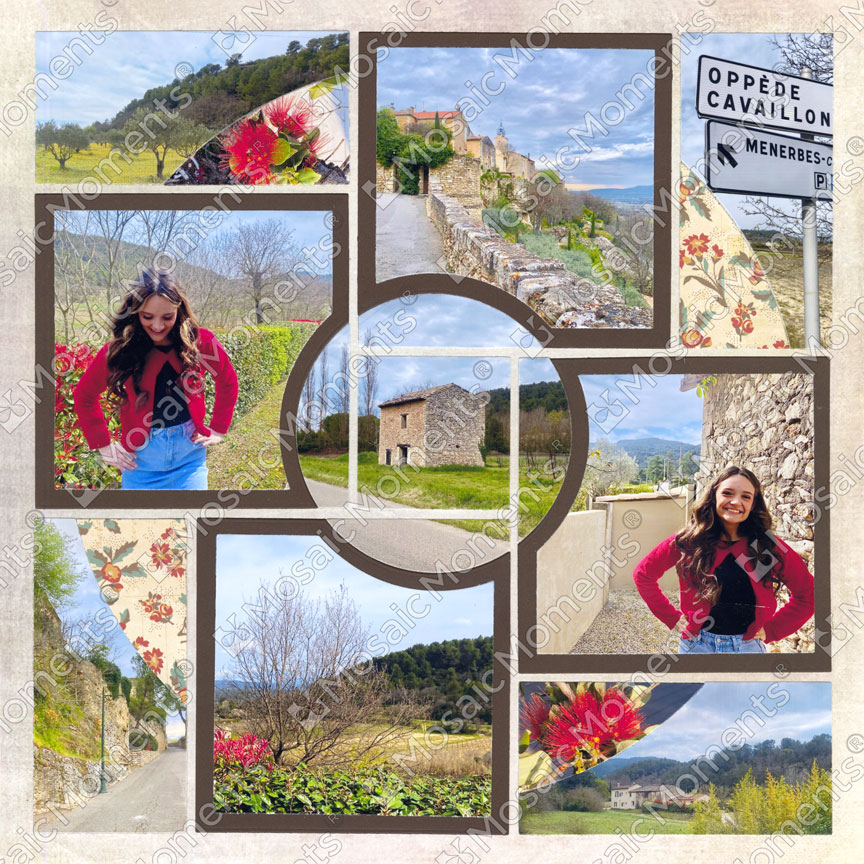
Pattern No. 773
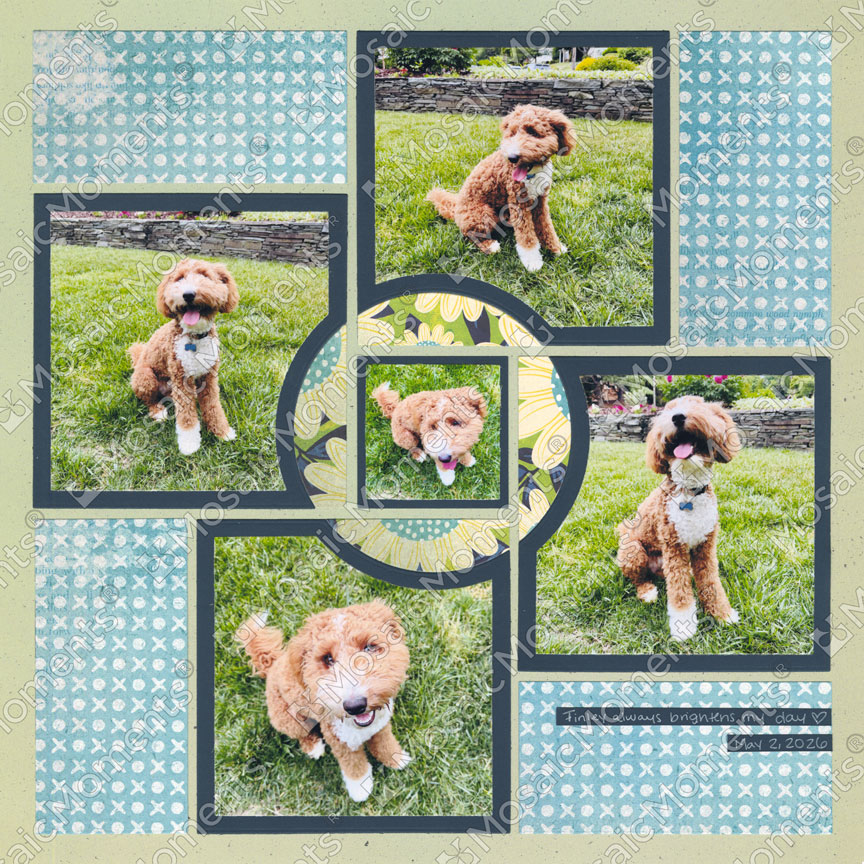
Pattern No. 773

Month Five includes the Get Around Part 2 Dies.
This set includes four dies. Each die cut rotates around your page to create a small circle in the center. To complete the full circle design, you'll also need the dies from Part 1.
- The Largest die fits a 4x4 square space on the Grid Paper. You will need the smallest die from Part 1 to cover all of the grid lines.
- The smallest two dies are used together to create a shape that fits 2x2 squares on the Grid Paper.
- The set also includes an layering piece (shown with blue dots) to crop 4x6 photos.
In this video you will learn:
- How to Use the Part 1 and Part 2 Get Around Die Sets together to Create a unique circle design
- How to Cut and Glue Each Piece
- Bonus Idea on how to fill the center section with a photo!
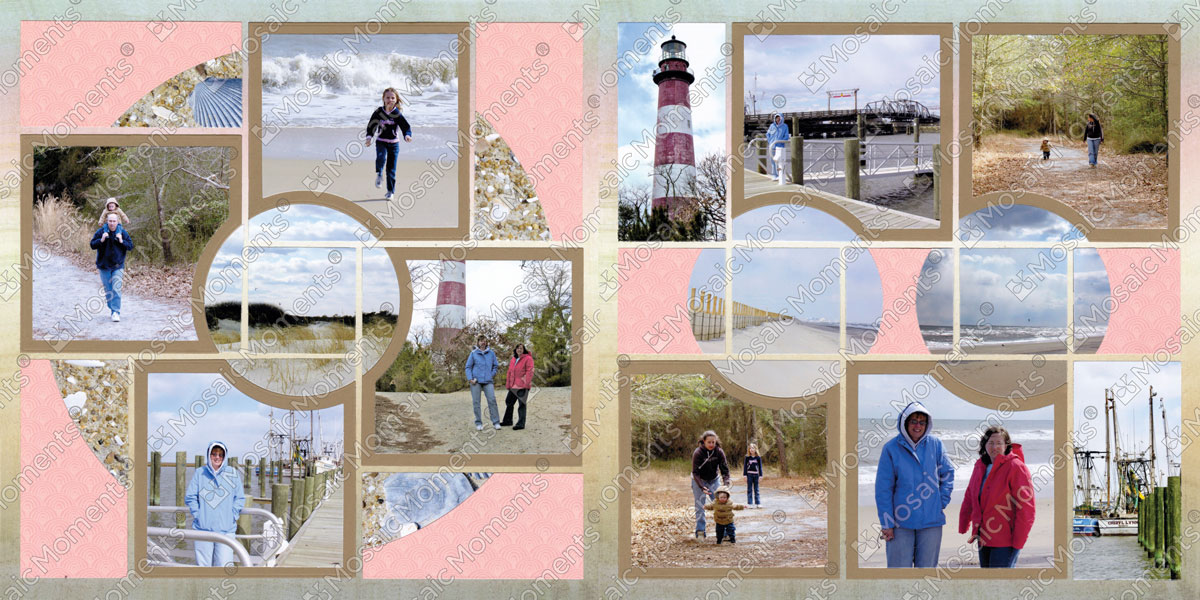
Note about the left layout: To create the 2x2 circle designs, the center squares were cut using the 2x2 SQ die from the Basic Die Bundle. The smallest die from Part 1 was then used to create the circle shapes. Two of these pieces (positioned to the left and right of the squares) were adhered over 2x2 patterned paper squares, and the pointed ends were trimmed to fit.

Pattern #773

Pattern #832
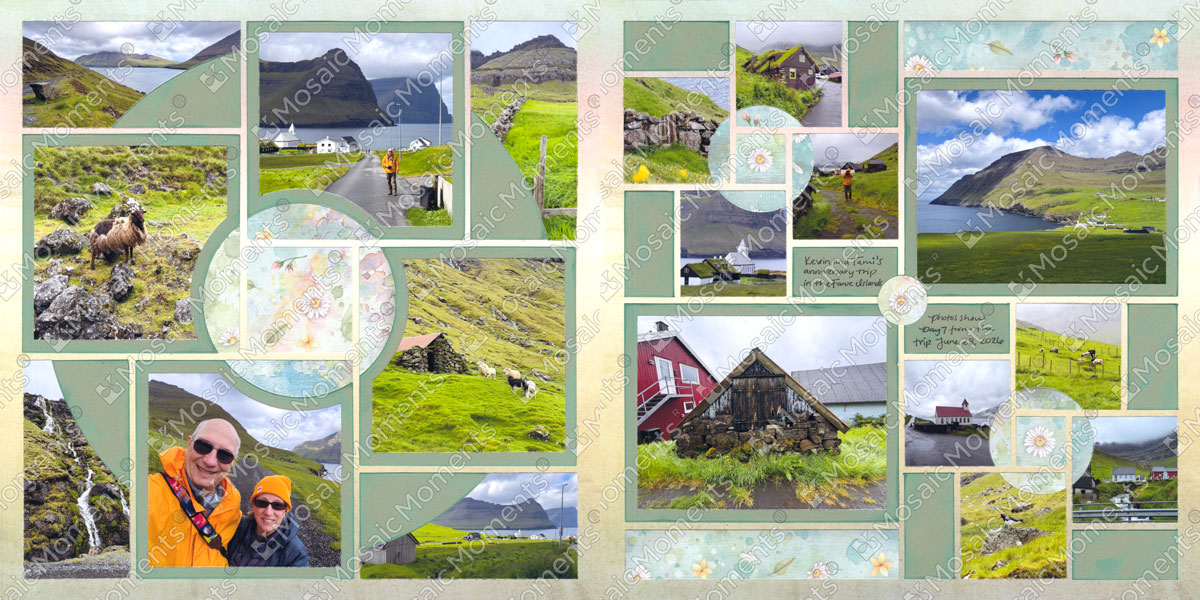
Pattern #773

Pattern #1197