
Side by Side, With a Twist
Side by Side creates a great starting point for your page, but it doesn’t have to work alone! Combine it with dies like X Factor to add new patterns, angles, and layers to your layout. By mixing these designs, you can create fresh arrangements and discover new ways to use dies you already own.
Pattern No. 368
Side By Side & X Factor Combos
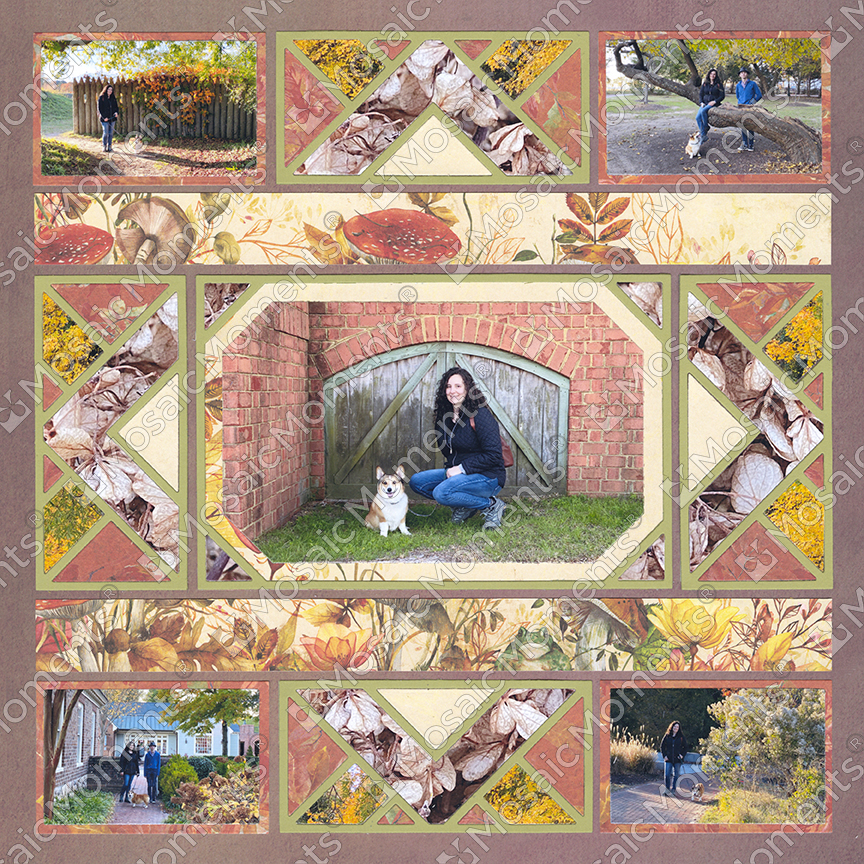
Dies Used:
- Side by Side
- X Factor 4x6
Photo Info:
- One horizontal 4x6 Photo for Center
- Two - Five Decorative photos to fill in small spaces
- Four photos to fill in 2x3 rectangles
- Total Number of Photos: 5
Layout Info:
- Difficulty: Intermediate
- Note: Long strips need to be hand-cut
- Pattern No. 1024
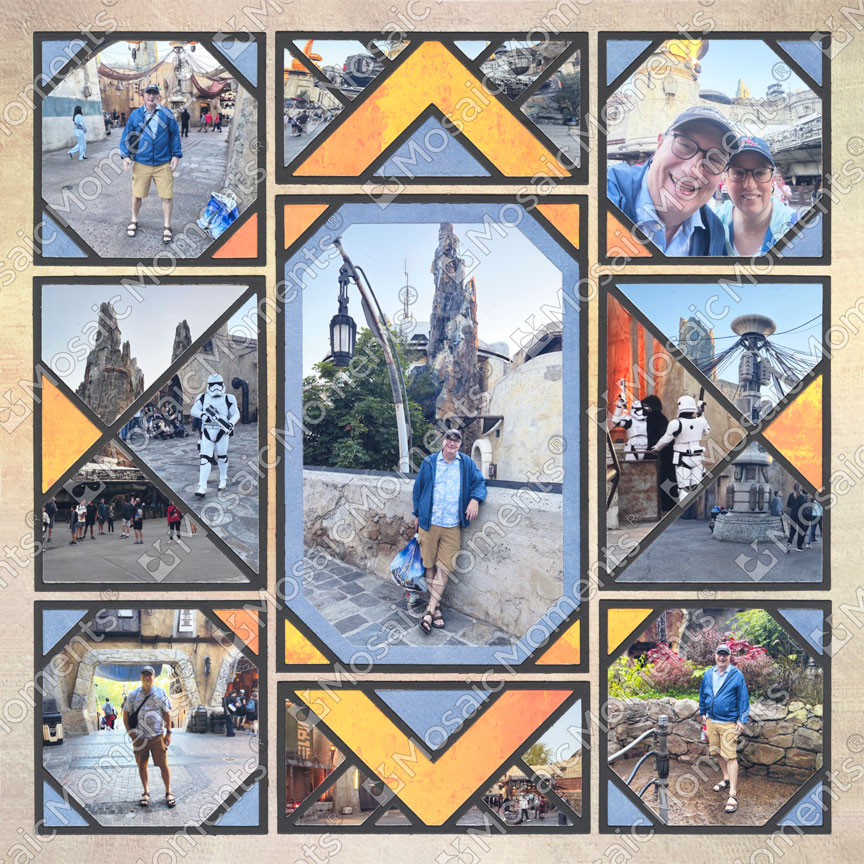
Dies Used:
- Side by Side
- X Factor 3x3
- X Factor 3x4
- X Factor 4x6
Photo Info:
- One vertical 4x6 Photo for Center
- Four photos to fill in 3x3 X Factor dies
- Two vertical photos to fill in triangle spaces in 3x4 X Factor die cuts
- Two vertical photos to fill in smaller spaces in 3x4 X Factor die cuts
- Two scenic photos to fill in side by side die cuts
- Total Number of Photos: 11
Layout Info:
- Difficulty: Beginner Friendly
- Pattern No. 477
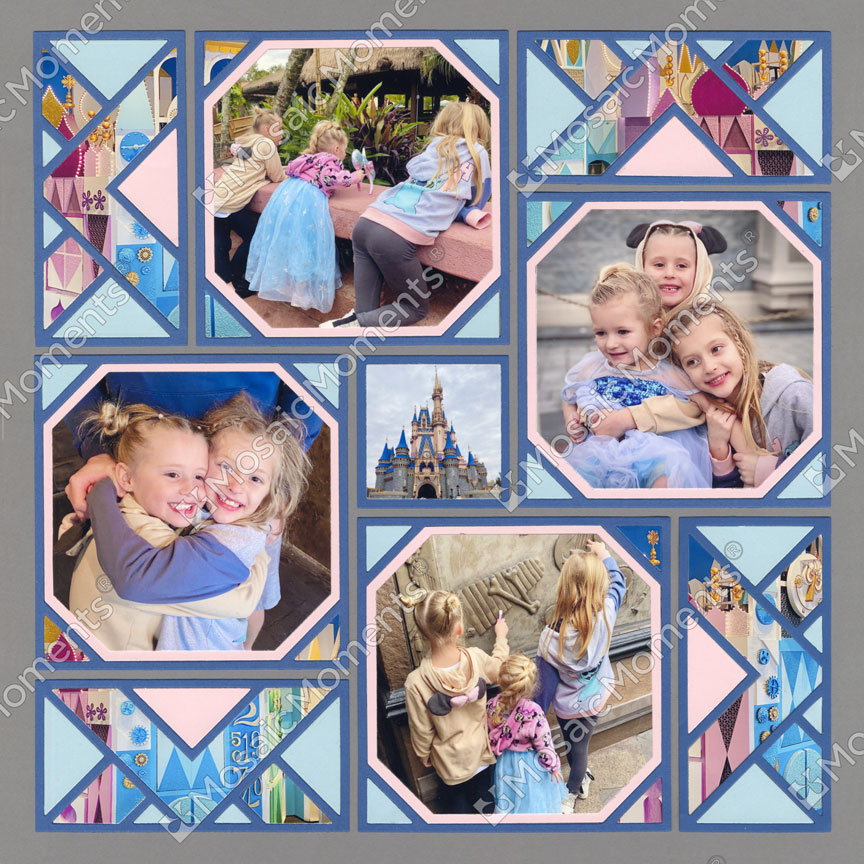
Dies Used:
- Side By Side
- X Factor 4x4
Photo Info:
- Four portrait photos that can fit in 4x4 X Factor die cuts
- Four decorative photos to fill in Side by Side die cuts
- One photo that can be cropped into a 2x2 square
- Total Number of Photos: 5
Layout Info:
- Difficulty: Beginner Friendly
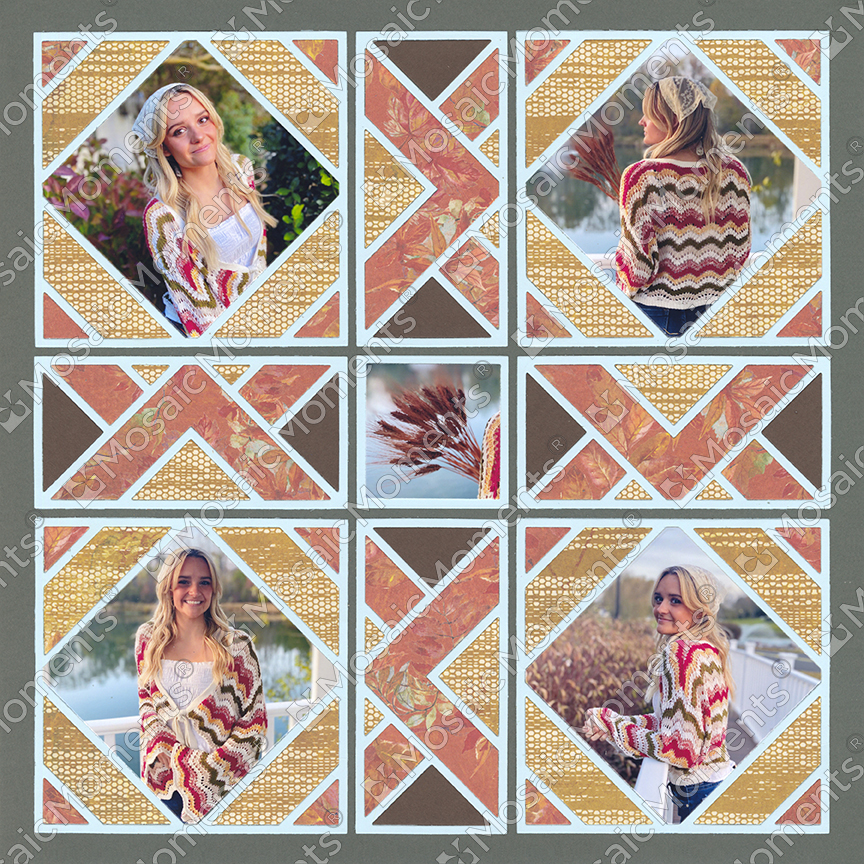
- Pattern No. 373
Dies Used:
- Side By Side
- X Factor Diamond 4x4
Photo Info:
- Four portrait photos that can be cropped into diamond shapes
- One photo that can be cropped into a 2x2 square
- Total Number of Photos: 5
Layout Info:
- Difficulty: Beginner Friendly
- Pattern No. 368