
Mix, Match & Make Magic
Your dies don’t have to stay within their own collections! Combining dies from different families opens up even more possibilities for your scrapbook pages. Mix shapes, patterns, and designs to create fresh arrangements, add unexpected details, and discover new ways to use the dies you already own. Sometimes, the most exciting layouts happen when you put pieces together in a way you haven't tried before!
While there are some exceptions, the key to combining dies is finding ones that have similar features such as crisscrossing lines or circles.
Note that many of our dies were not designed to work together. Some dies will work better than others.
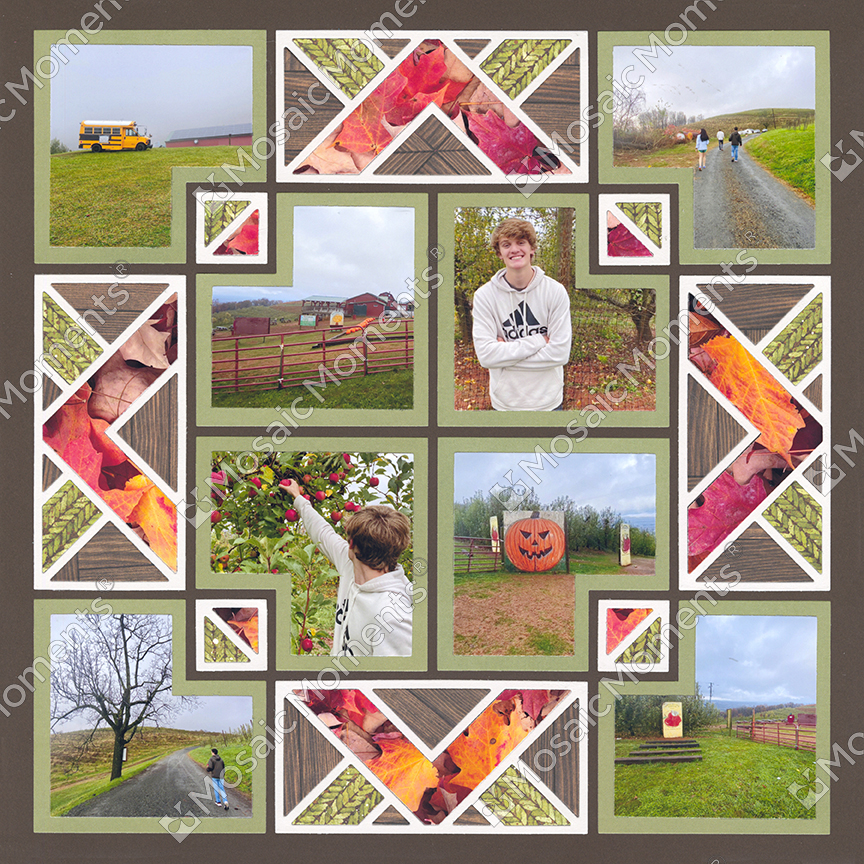
X Factor & Cousins
X Factor is one of our most popular die collections. One thing you will love is they can be combined with many of our sets with similar lines.
So which sets are considered the X Factor Cousins?
- Crisscross Dies
- Double Diamond Dies
- Phase Two Dies
- Side by Side Dies
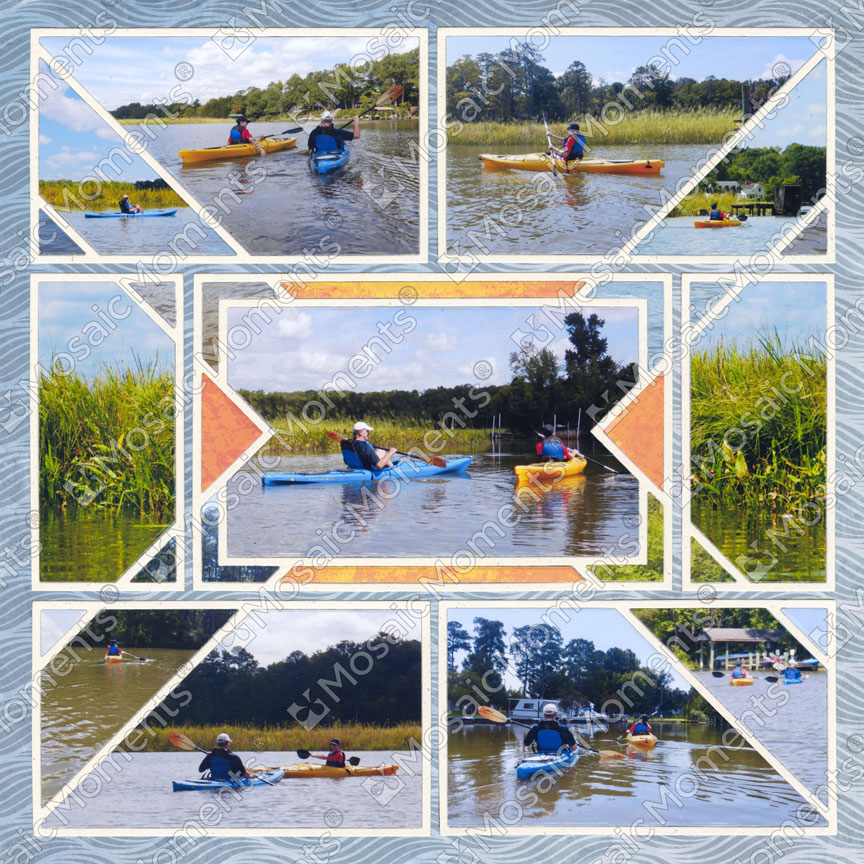
Below we have separate pages for each of these "cousins". Each layout is combined with X Factor or other sets from the family. Be sure to see them all!
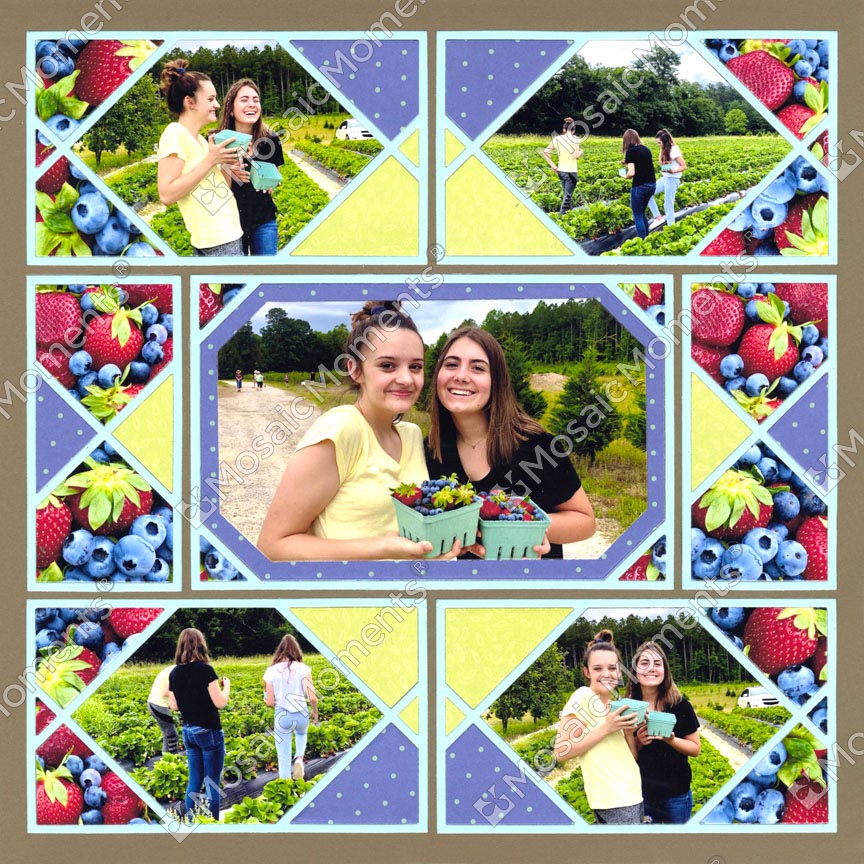
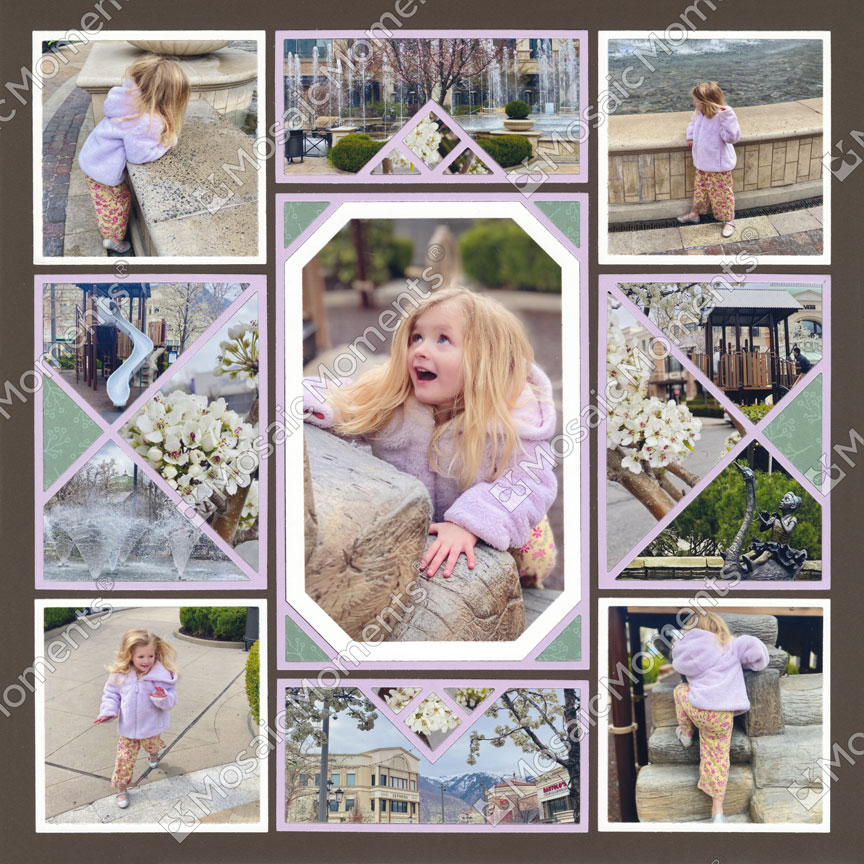
Phase Two
Coming in 2027
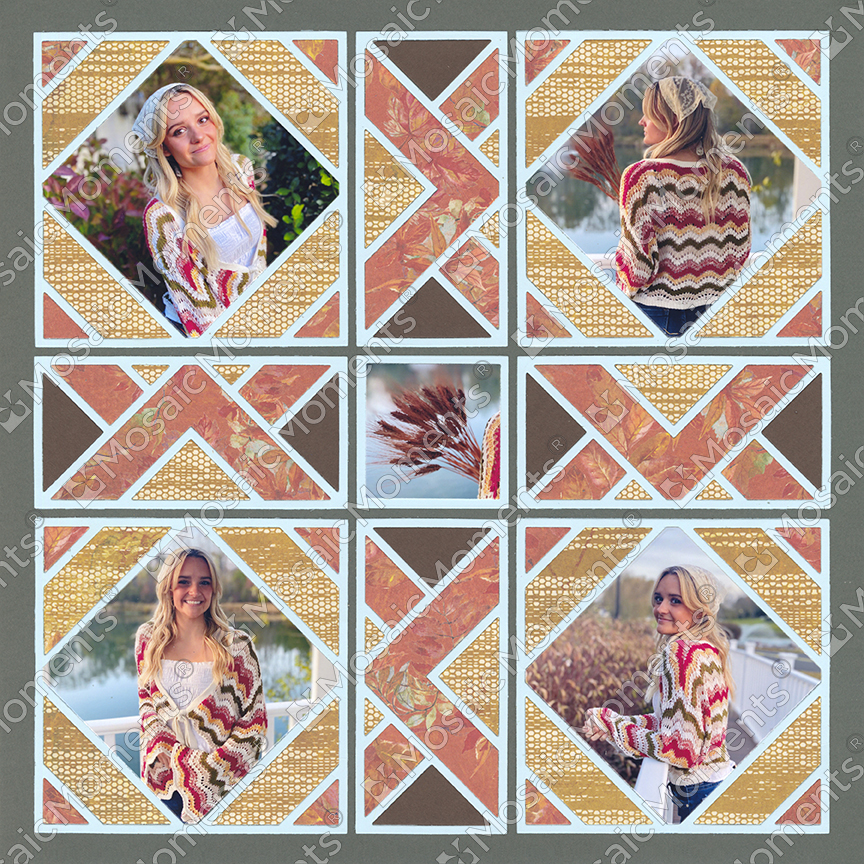
Combinations with Cutting Corners
Cutting Corners can work beautifully with many of our other dies, even those from unrelated collections. It’s all about finding an arrangement that makes the pieces fit together!
Coming in 2027
Die Combinations To Try
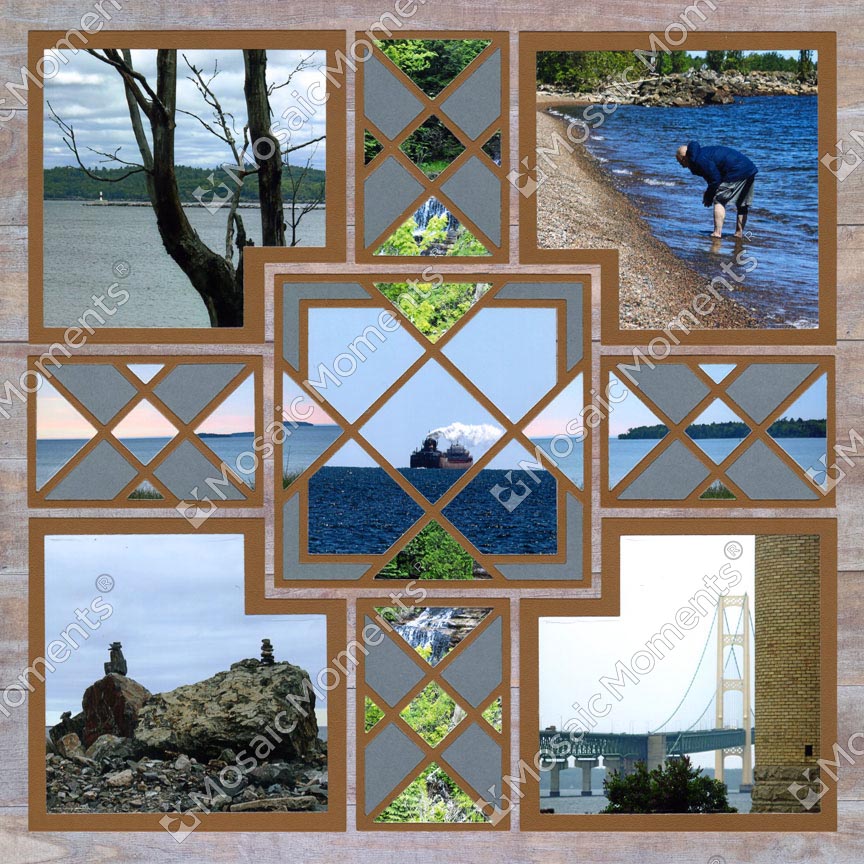
Die Info:
- 2x6 Angles Die
- X Factor 3x3 with Cross
- 2x2 Die from Basic Set A
Photo Info:
- Eight 4x6 photos were used to fill it part of the 3x3 X Factor and Angles die cuts.
- Need: Four vertical photos and four horizontal photos
- Total: 8 Photos
Layout Info:
- Intermediate
- Pattern No. 493
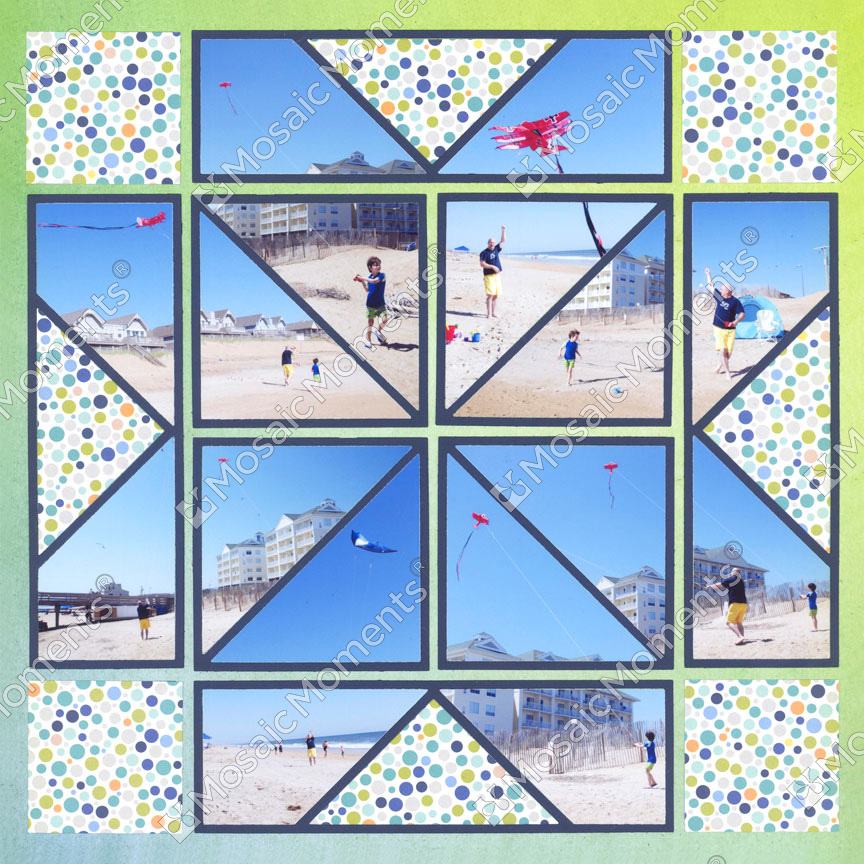
Die Info:
- 2x6 Angles Die
- 2x2 Diamond Mine Die
- 3x3 Die from Basic Set A
Photo Info:
- Four vertical & four horizontal photos to fill in Angles & Diamond Mine die cuts
- Four photos that can be cropped into triangle shapes
- Four photos that can be cropped into square shapes
- Total: 16 Photos
Layout Info:
- Intermediate
- Pattern No. 493
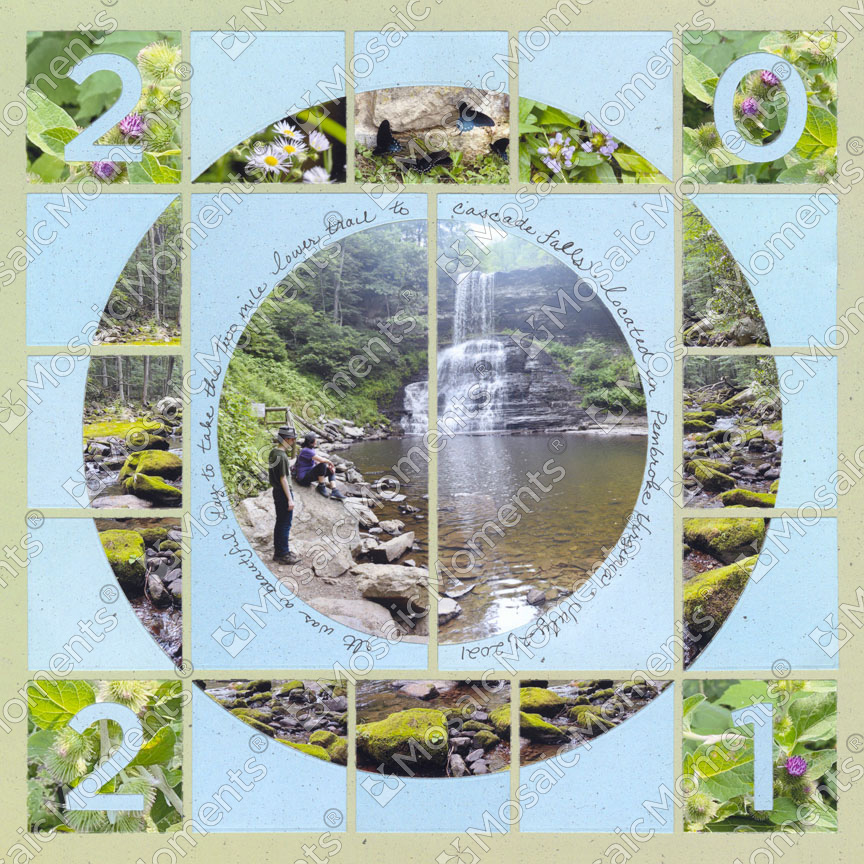
Die Info:
- 2x2 Soleil Dies
- 3x6 Half Round
Photo Info:
- Two 4x6 vertical photos to fill in Half Round
- Four to twelve photos to fill in 2x2 Soleil spaces
- Total: 10 Photos
Layout Info:
- Intermediate
- Pattern No. 655
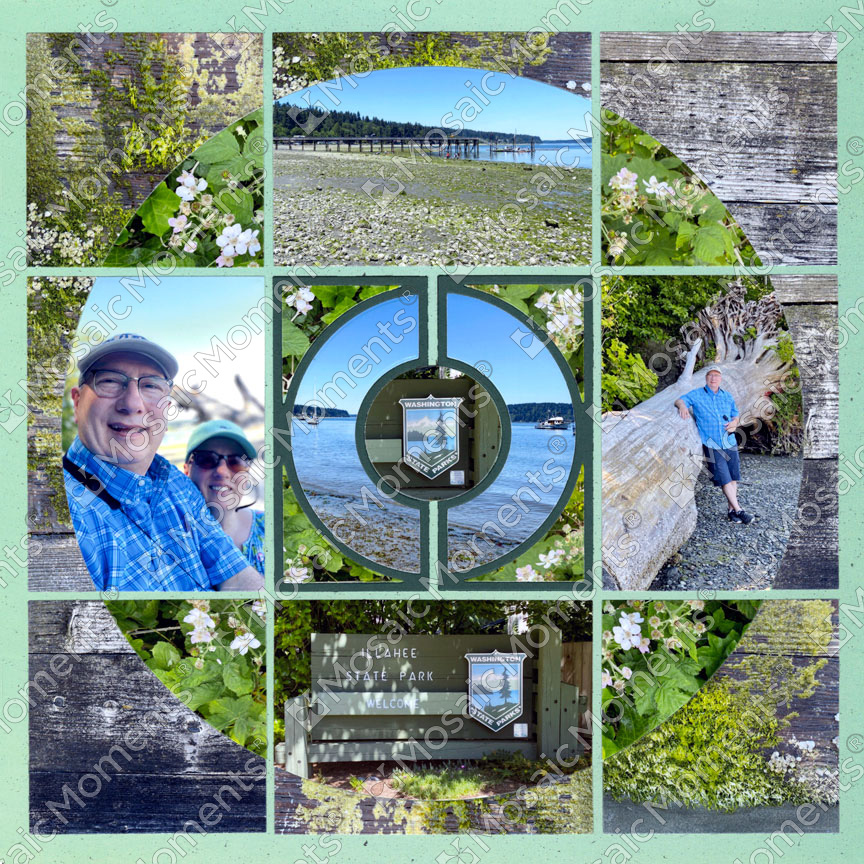
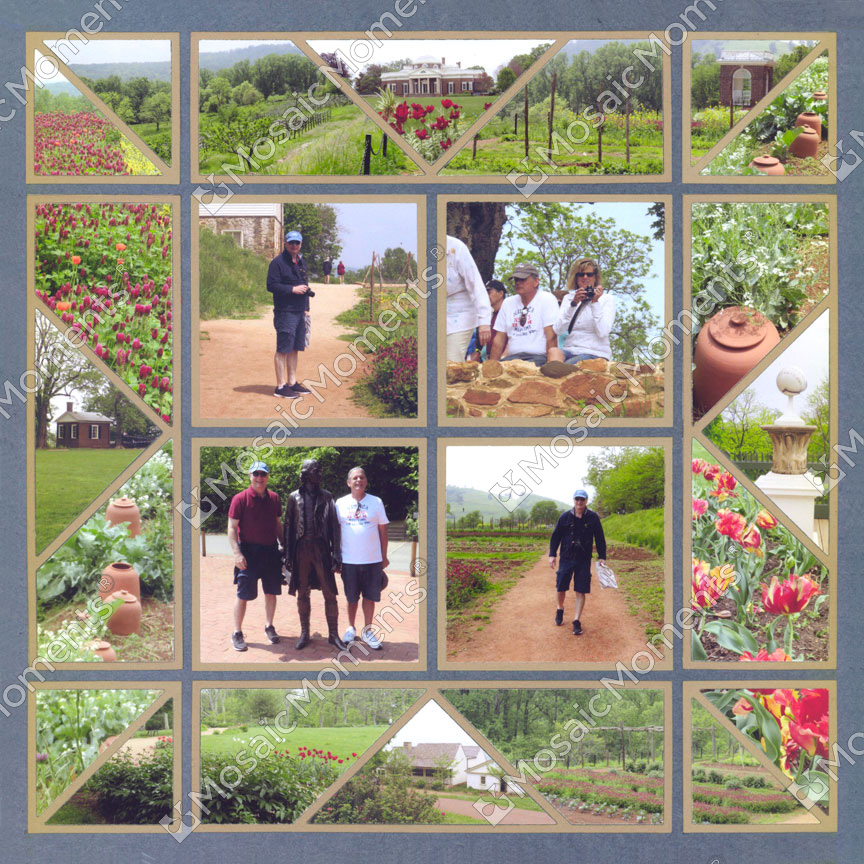
Die Info:
- On the Dot Bow
- Horizon 3x3 and 3x4 Dies
Photo Info:
- One 4x6 vertical photo to fill in the On the Dot Bow die cuts
- Two Detail photos to fill in corner spaces
- Two vertical and two horizontal photos to fill in 3x4 Horizon die spaces
Layout Info:
- Beginner+
- Pattern No. 658