
Game Changer!
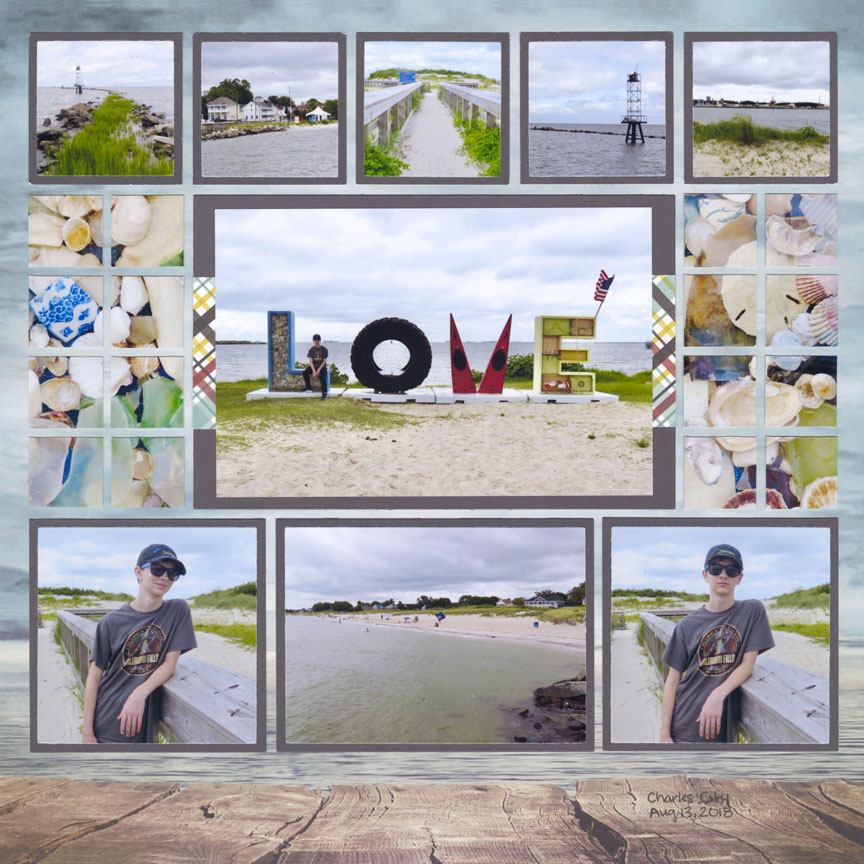
With the GRID TEMPLATE you will still get the perfectly aligned, professionally designed look that you love about Mosaic Moments®; but, you can also adjust your layout to work with the patterns and border designs on your paper.
We also have 8.5x11 and Grid Card template sizes! Keep scrolling to see ideas.
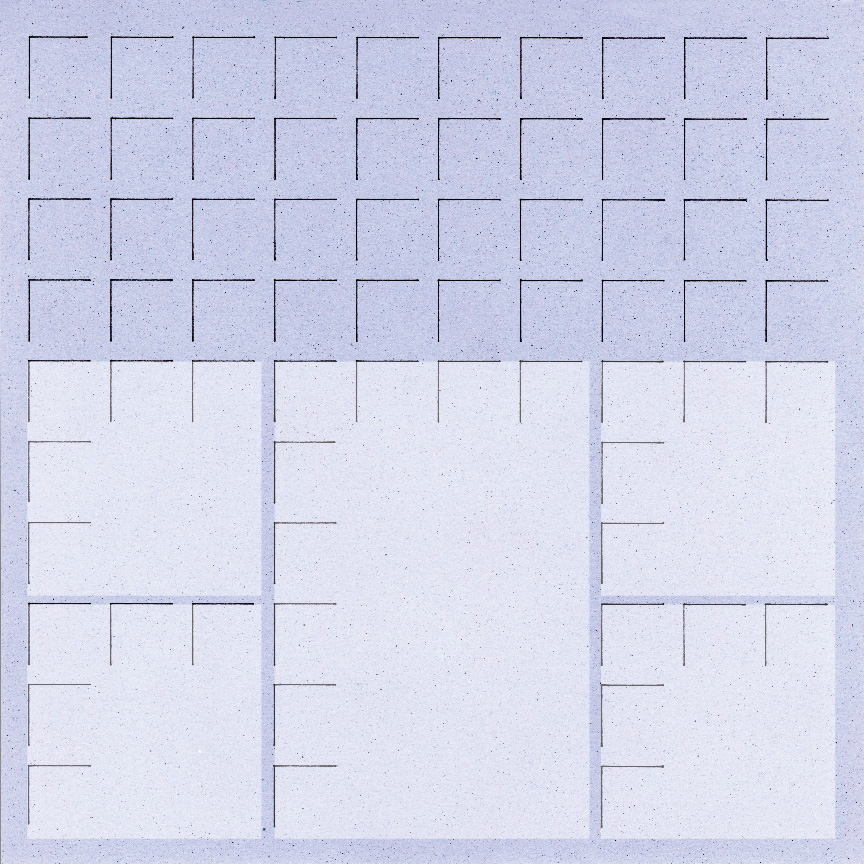
Benefits of the Grid Template:
- Turn any sheet of 12x12, 8.5x11 or card sized paper into Grid Paper.
- Draw in less lines, so you can show your Background through your die cuts. This also means less cutting for you!
- Omit sections of the Grid Lines to Fit in Embellishments or to fit with your patterned paper design.
Learn How to Use the Grid Template:
In this Video Paije will show you:
- How to Place Grid Template Over your 12x12 Sheet of paper
- How to draw in the Grid Lines and which tools you need
- Tips for Marking the Grid Lines Quicker
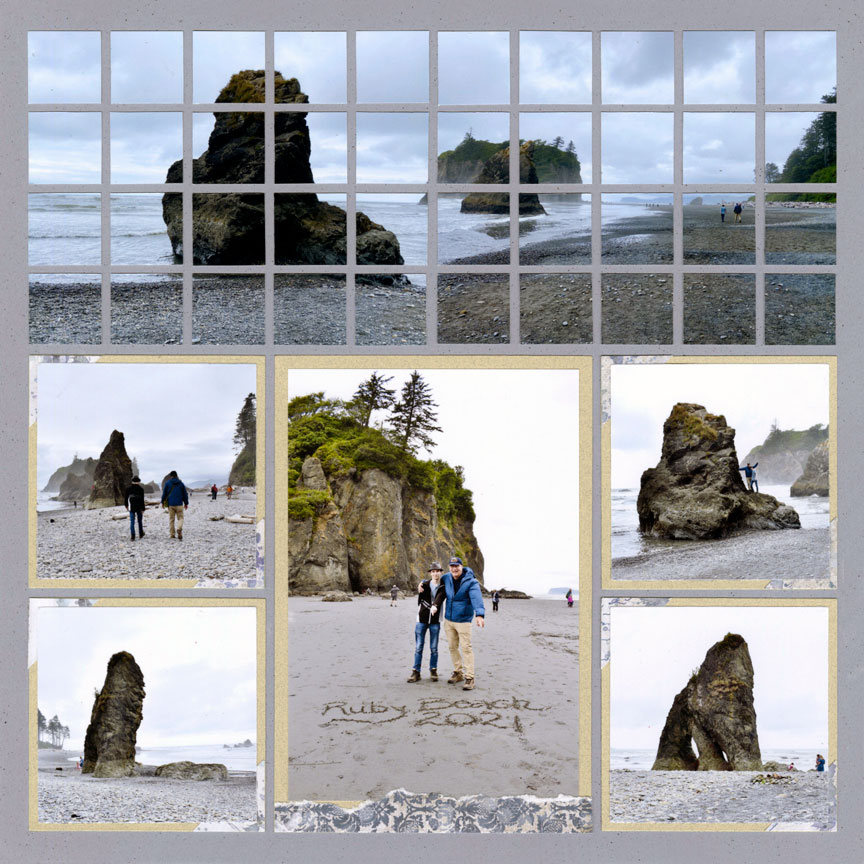
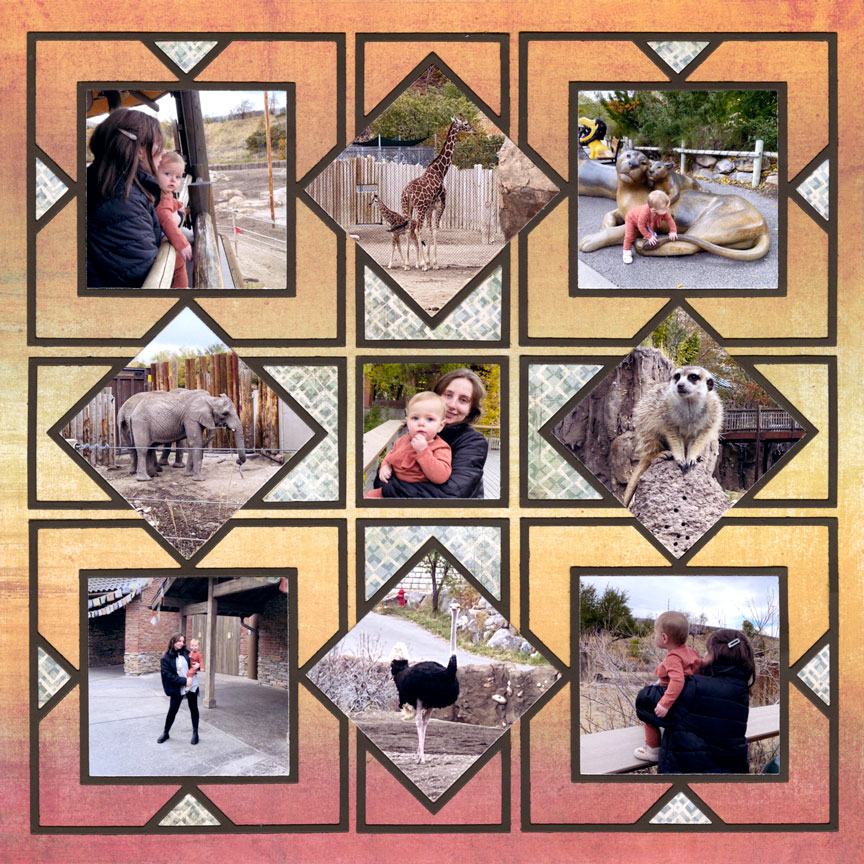
The Grid Template works especially well with 12x12 backgrounds that have an ombre effect.
Paije used the Dynamic Die Set (L3) on the back of Keeping Time 12x12 Grid Paper from the All Season Collection where there are no grid lines. Before the NEW Grid Template you would have to cut a second sheet of grid paper! Now you don't need to use extra paper - how awesome is that!?
Now you only have to mark enough grid lines to align your dies and the beautiful background can show through.
In this Video Paije will show you:
- How to draw the grid lines the correct way, so they do not show behind your die cuts
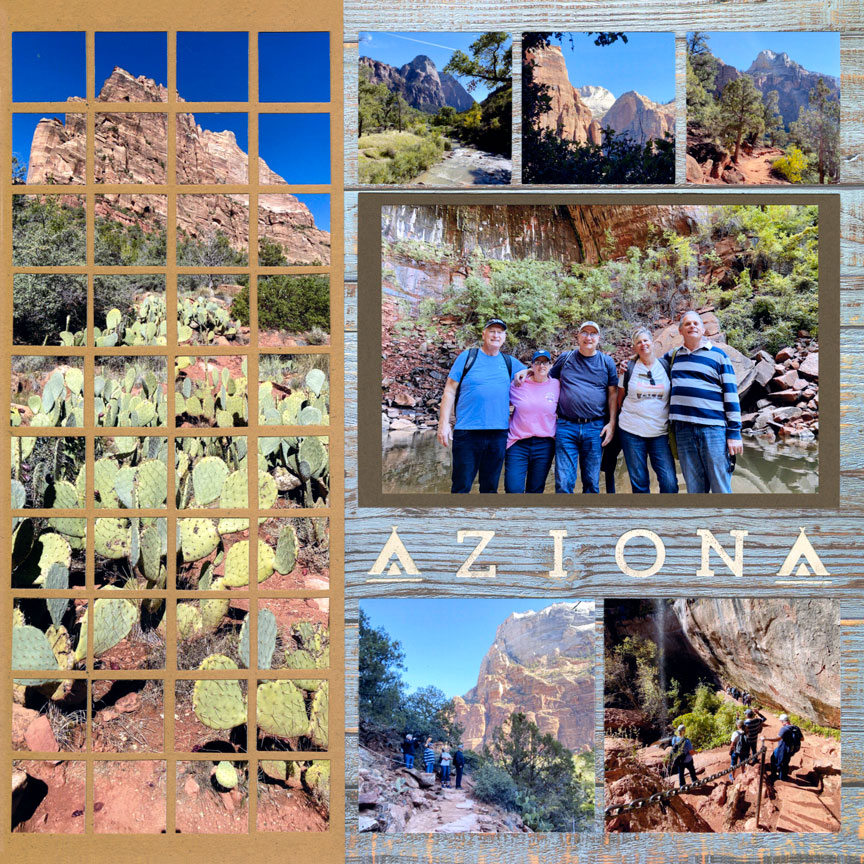
In this Video Paije will show you:
- How to create a two color look. Paije will give you the steps to trim down one of the sheets.
- How to Omit Grid Lines to Make room for Embellishments
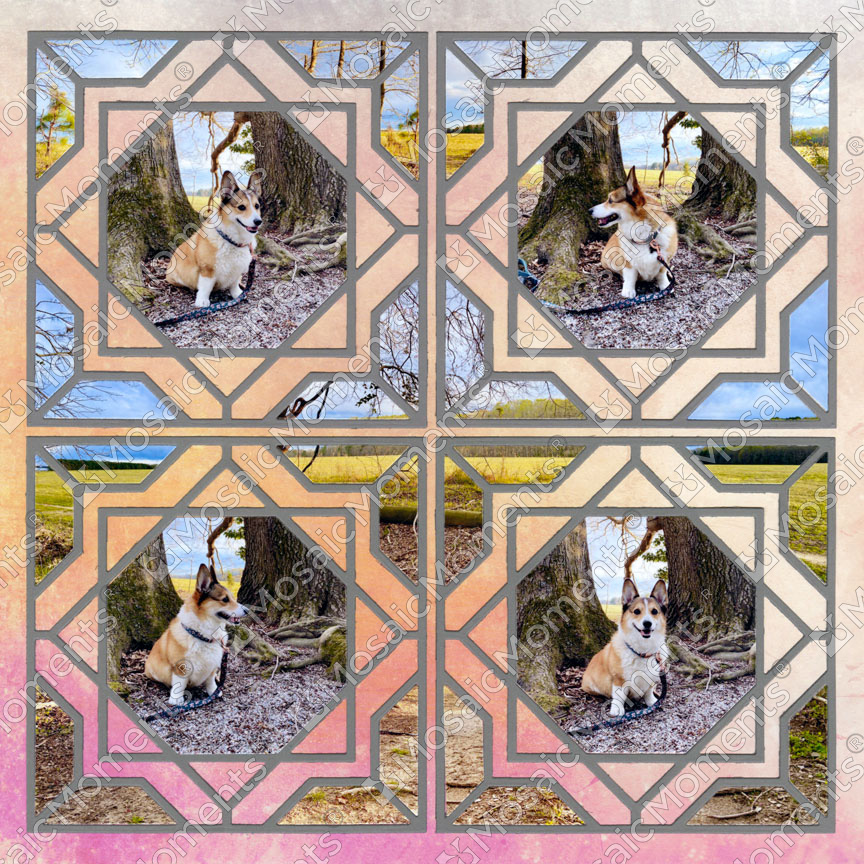
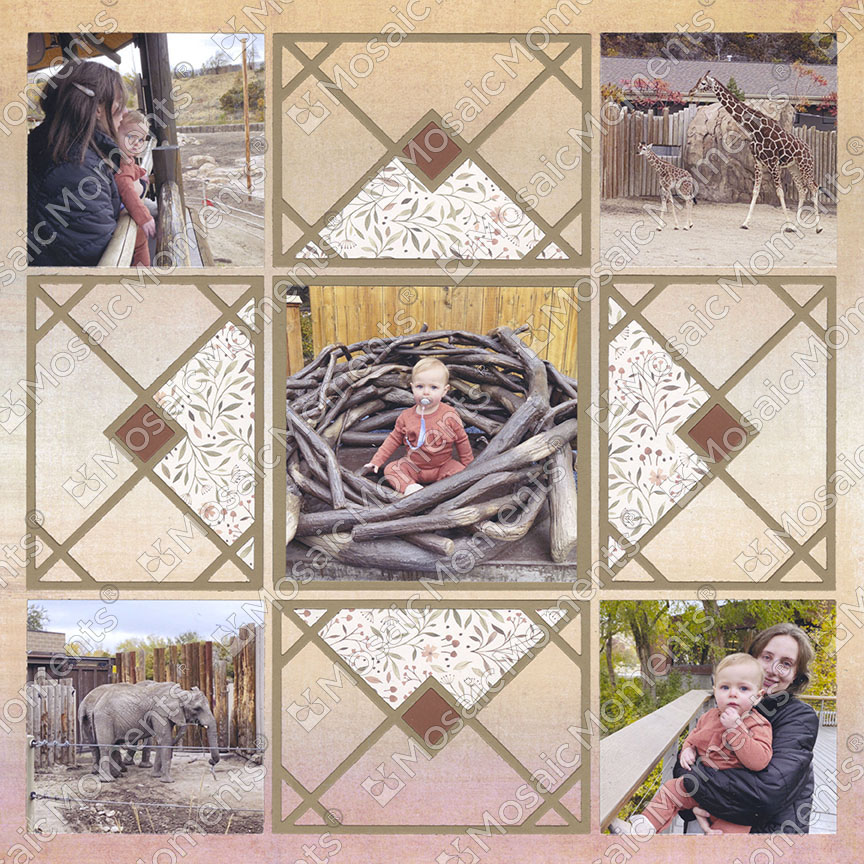
More Ideas with the 12x12 Grid Template

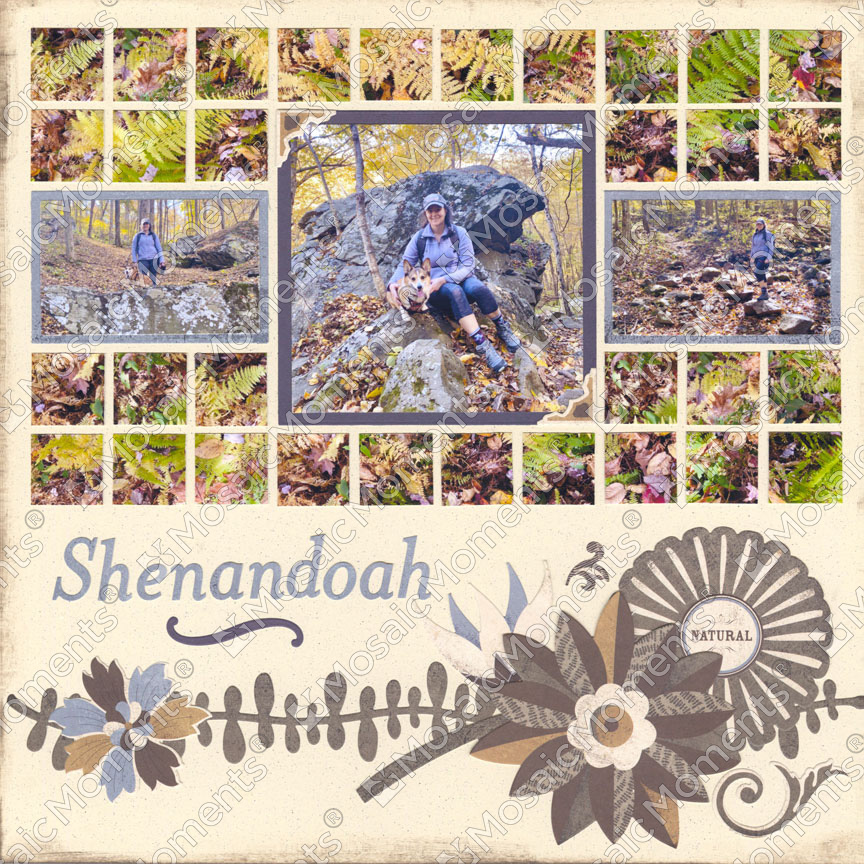
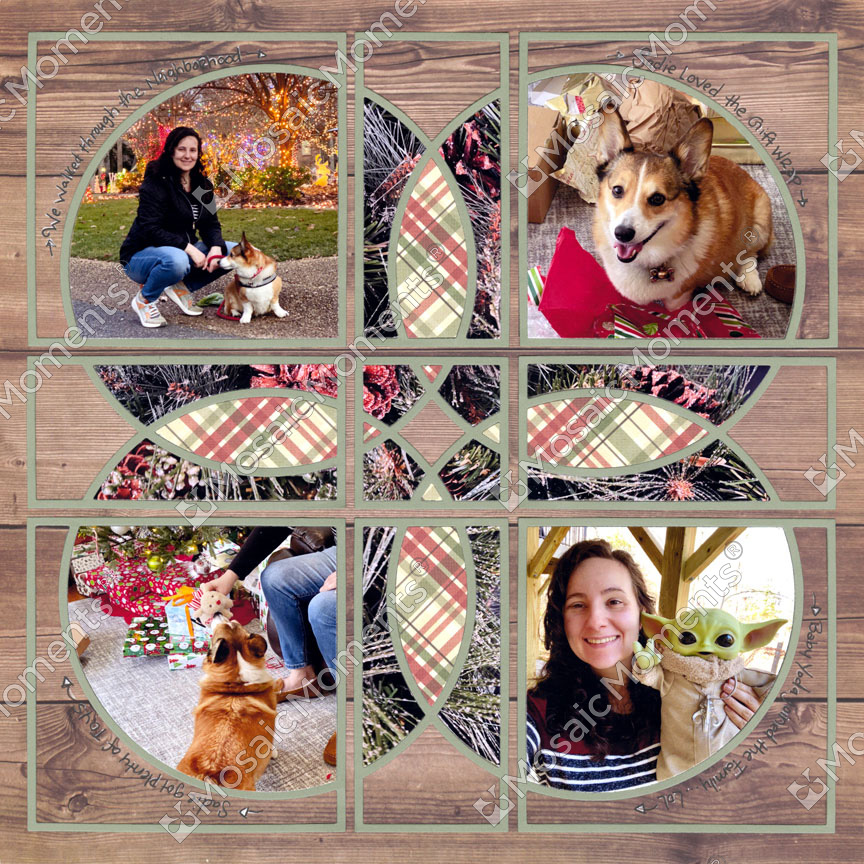
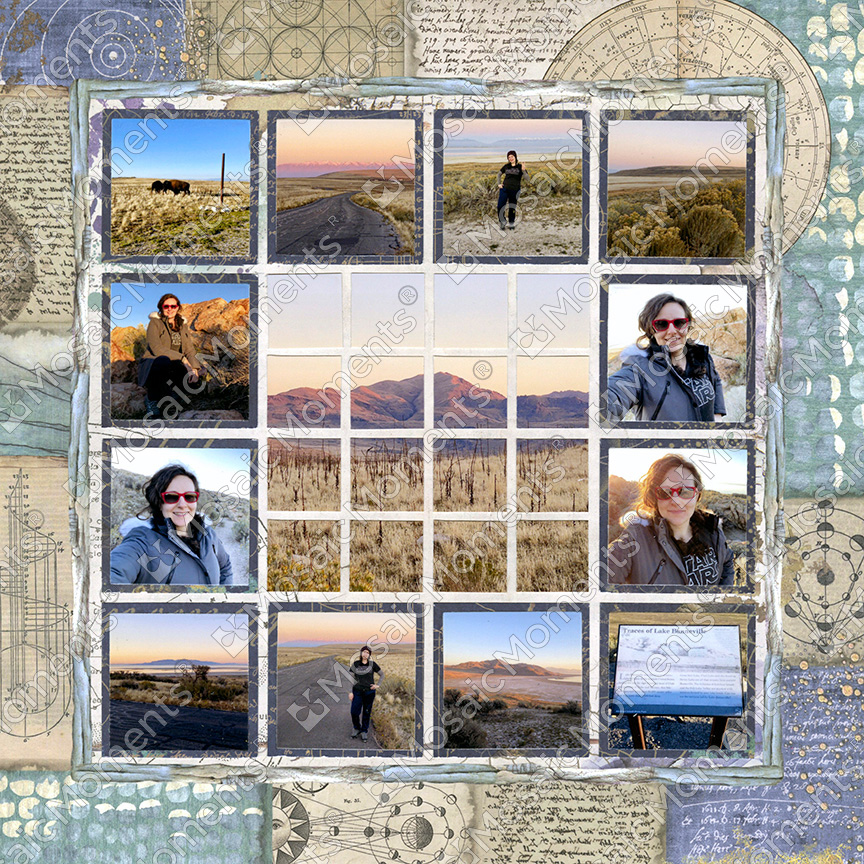
Ideas with the 8.5x11 Grid Template
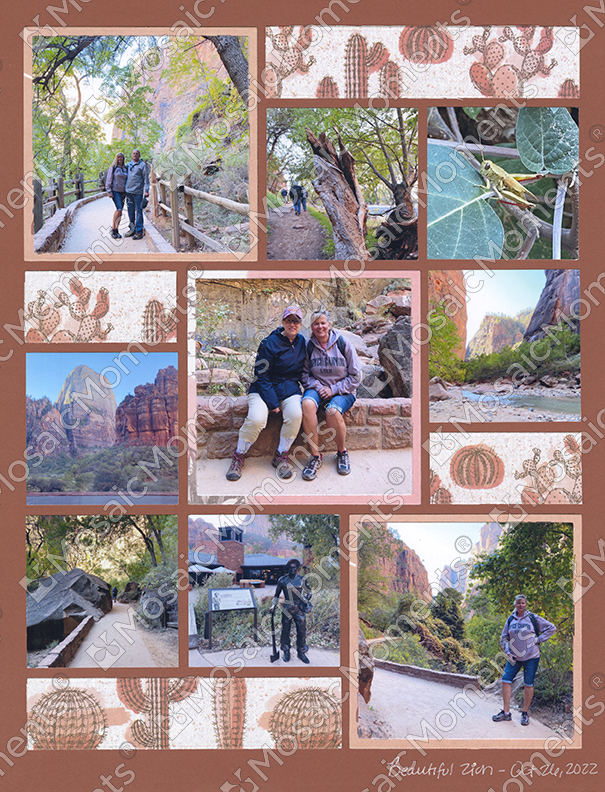
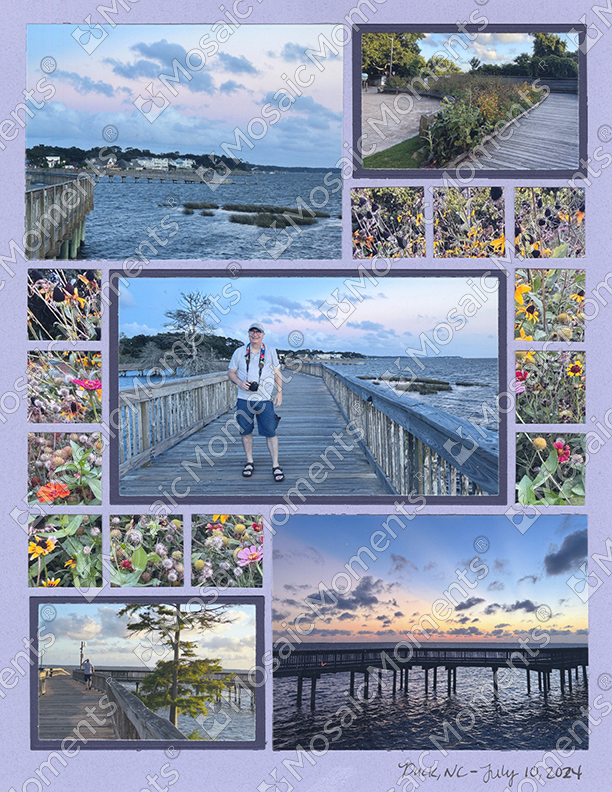
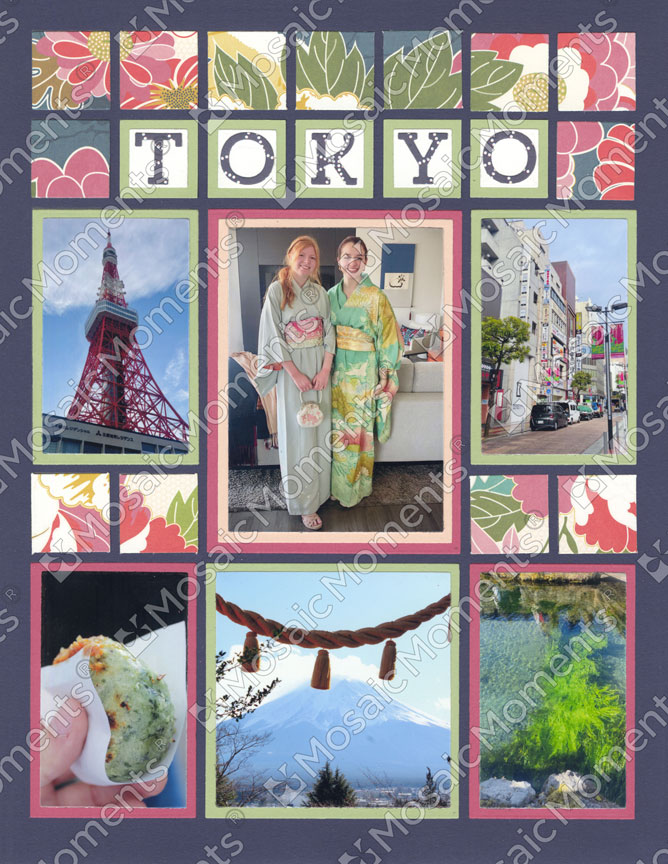
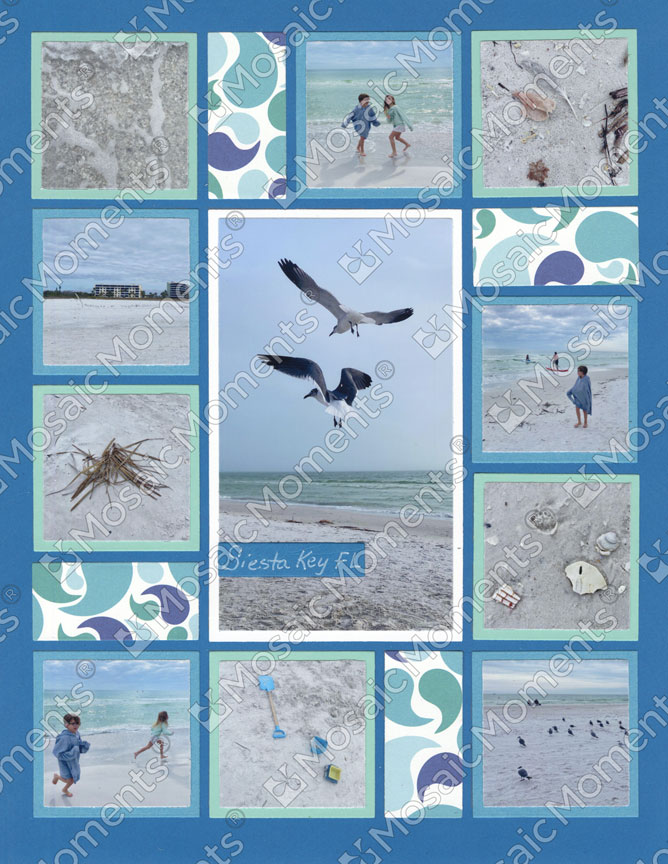
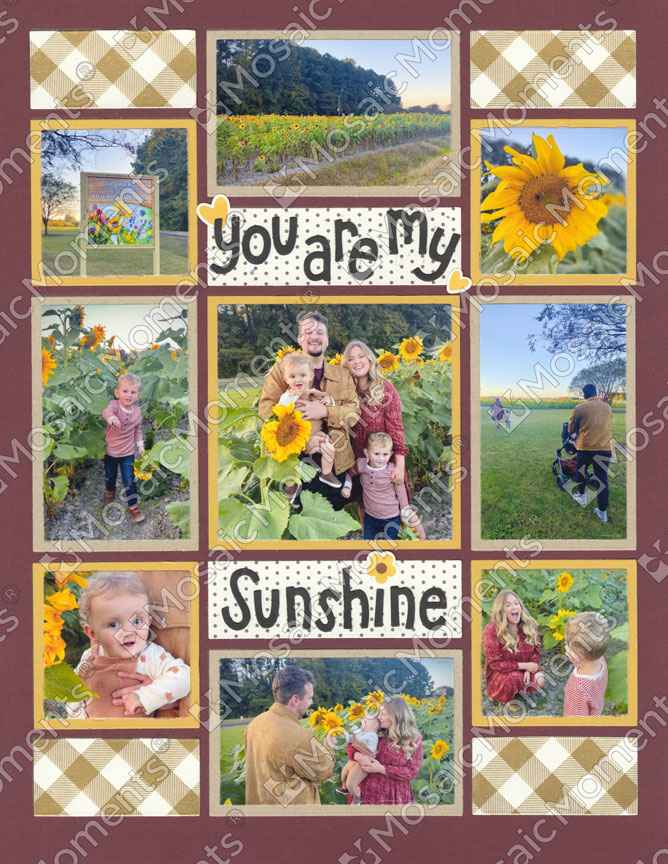
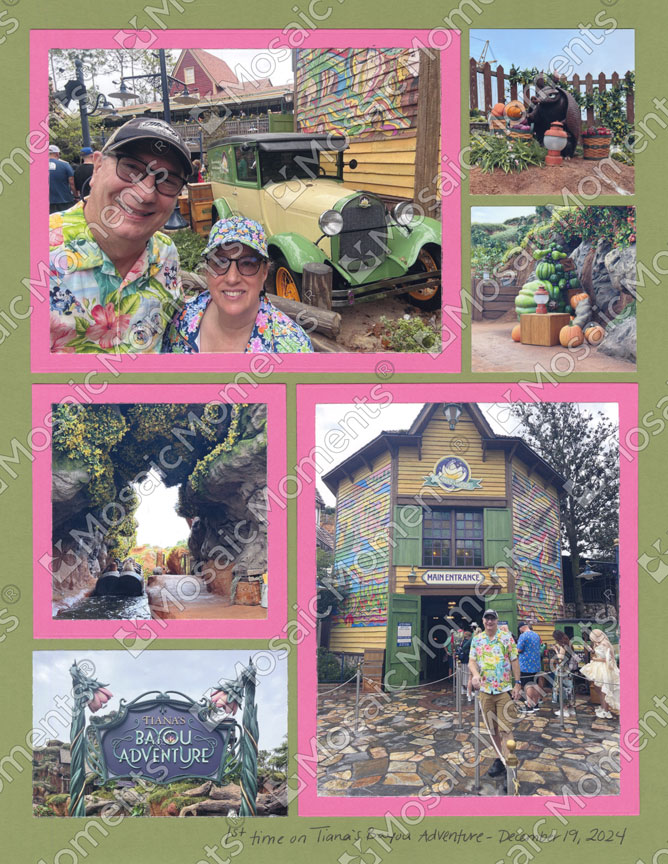
Use the Grid Template to draw the grid lines on any color of 8.5x11 cardstock or pattern paper.
Note: At this time there are no page patterns for this size.
In this Video Paije will show you:
- How to use the 8.5x11 Grid Template