Cut Beyond the Dies
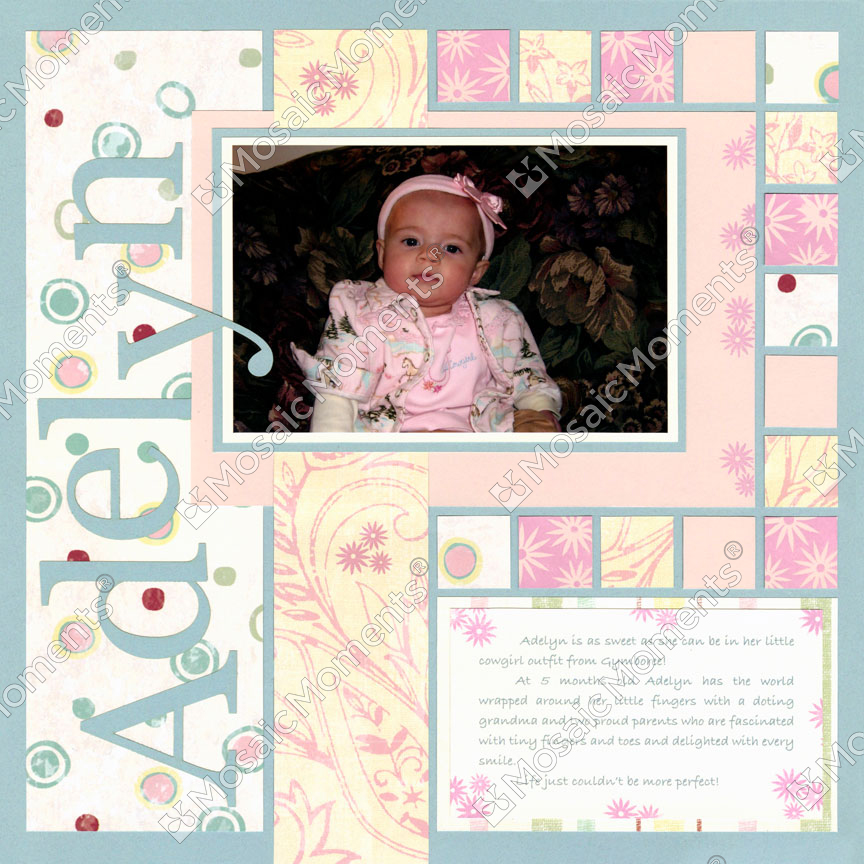
The Basic Die Bundle gives you the essential shapes for creating Mosaic Moments pages—but sometimes you want to create something the dies don't provide. That’s where hand-cutting comes in. Using the Grid as your guide, you can cut custom shapes and add details that go beyond your die collection. It’s a simple way to expand your creative possibilities while keeping your pages connected to the Mosaic Moments system.
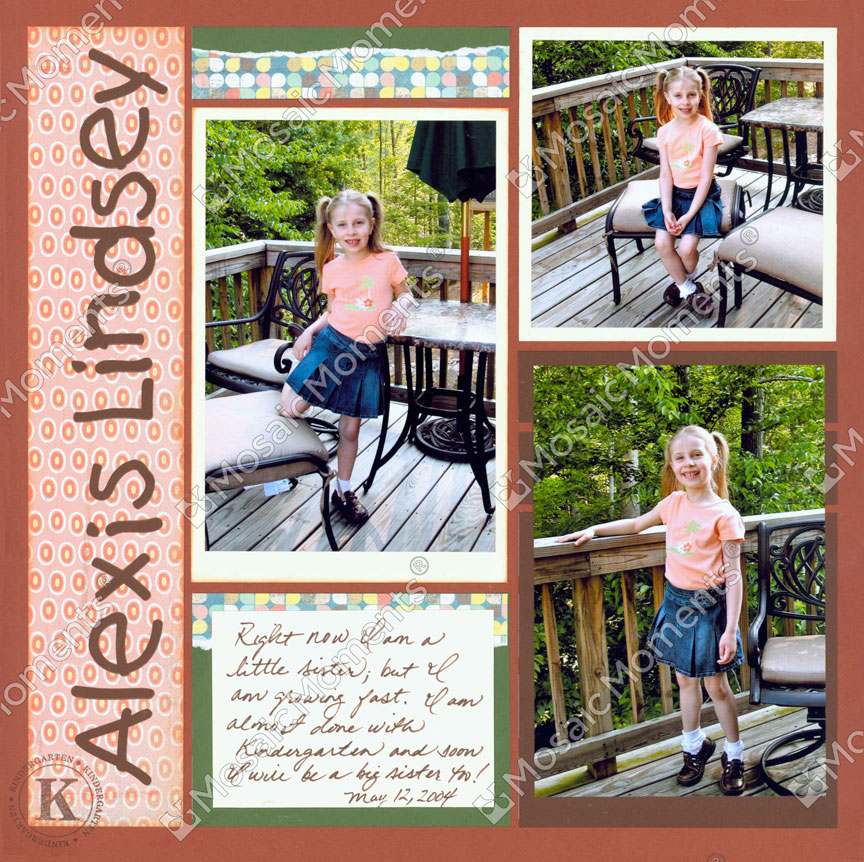
Pattern No. 174
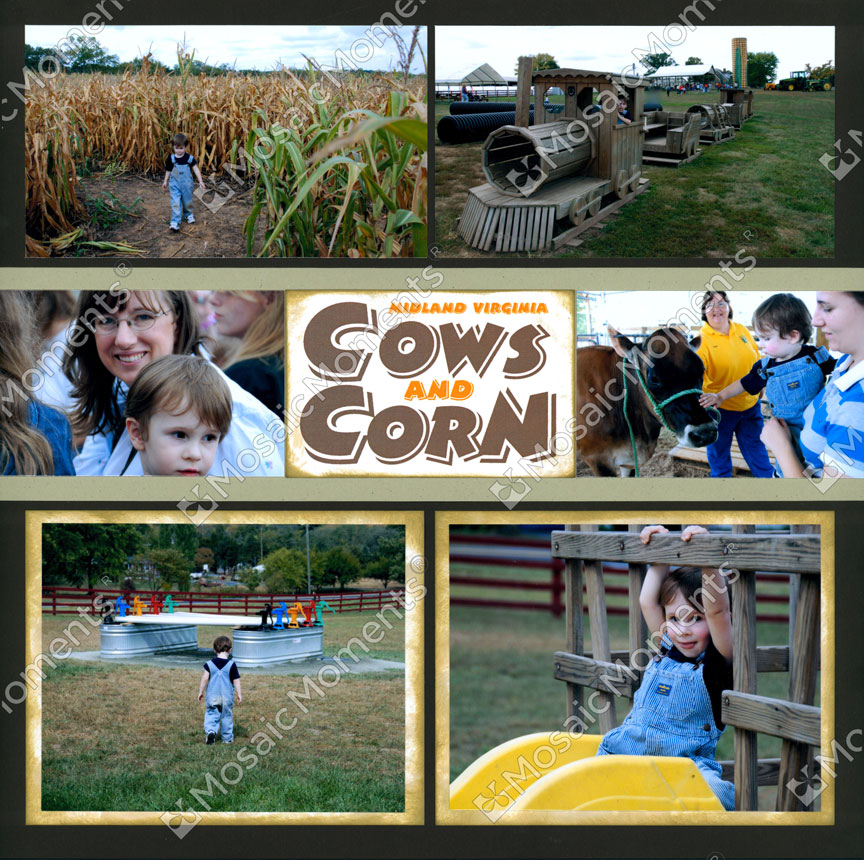
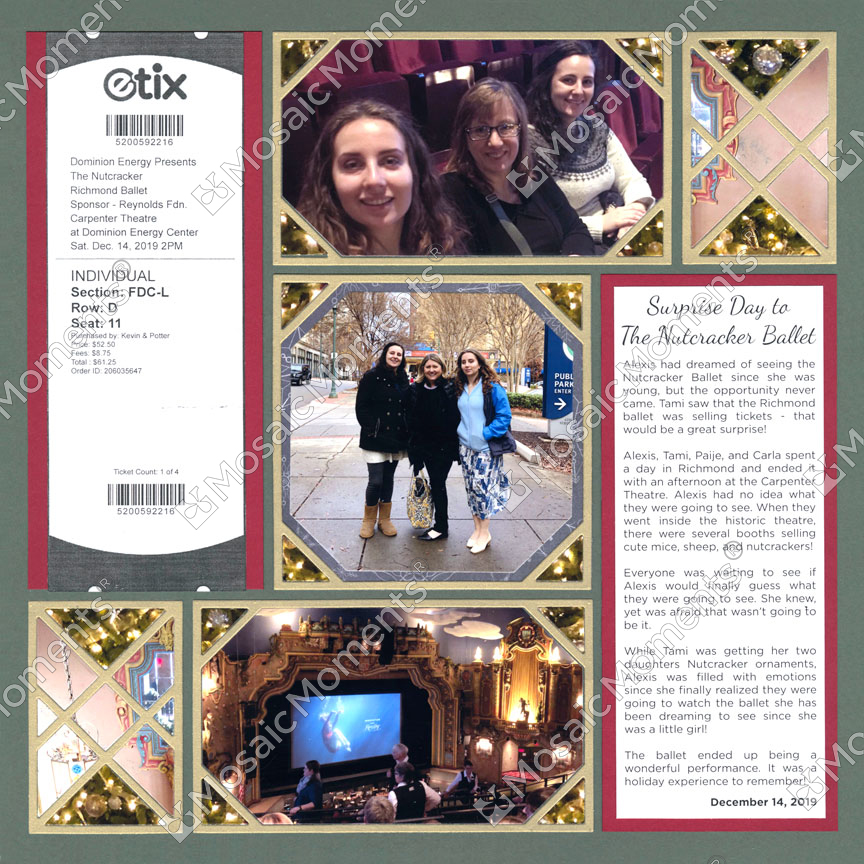
Long strip on left side of the page was cut with a mat, knife and ruler.
If you have the dies, why choose to hand-cut too?
Make Long Strips
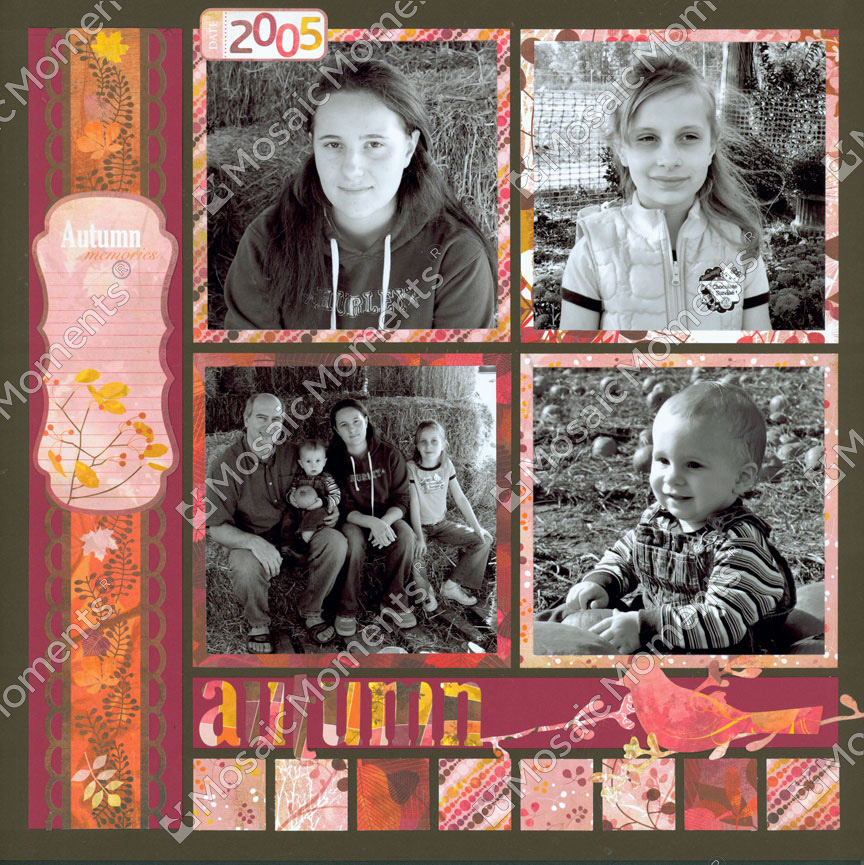
Make Large Blocks
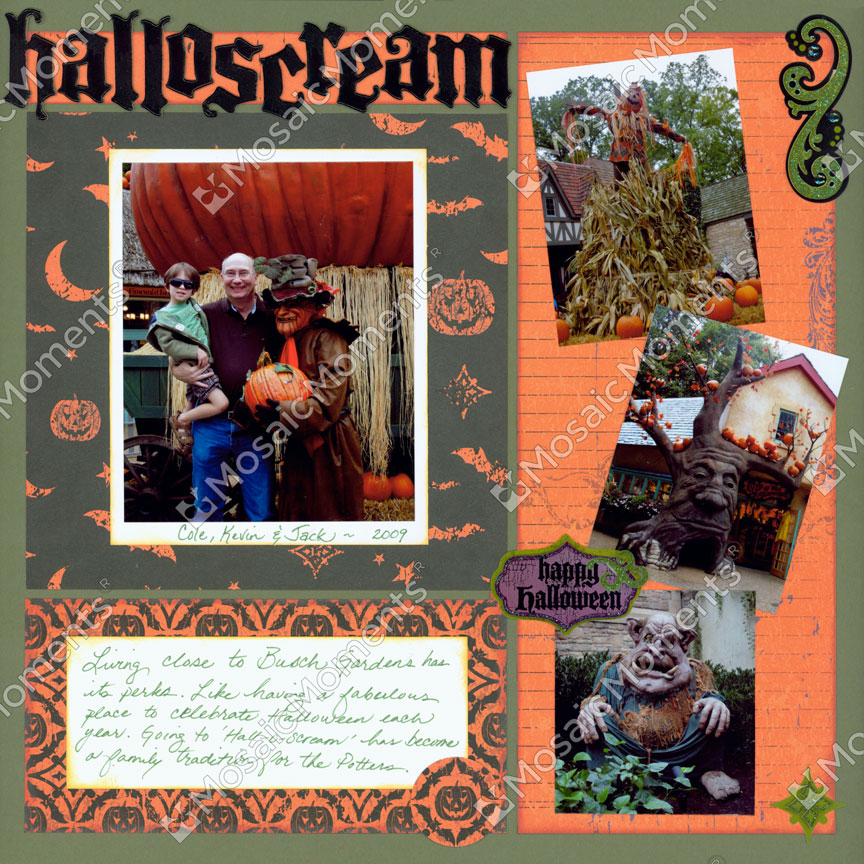
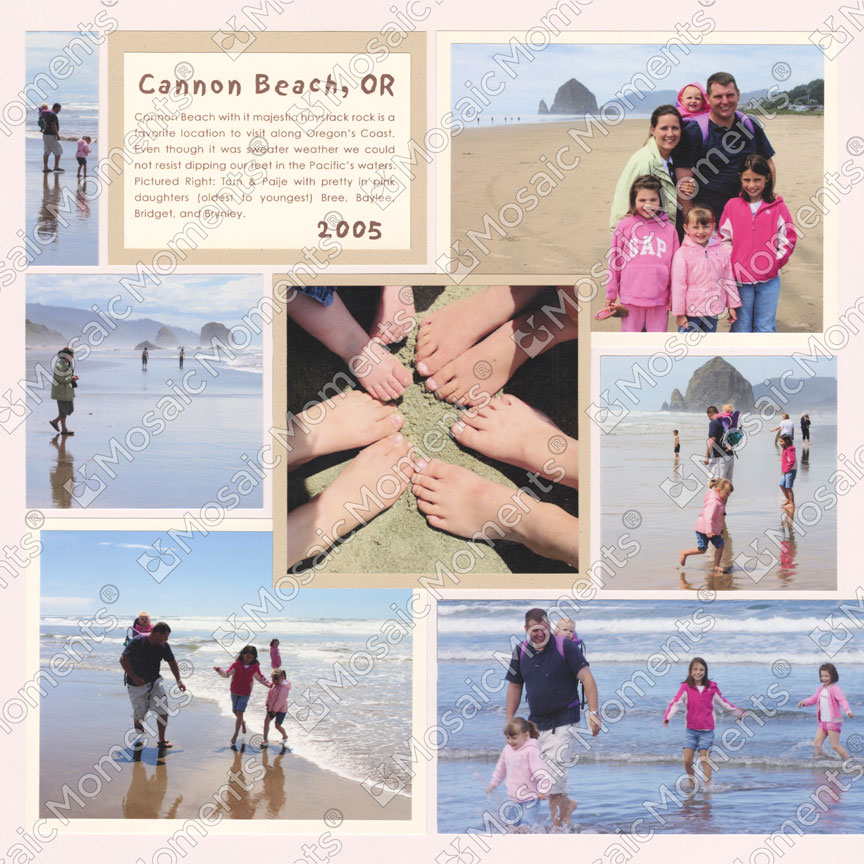
Trim Photos to Unique Sizes
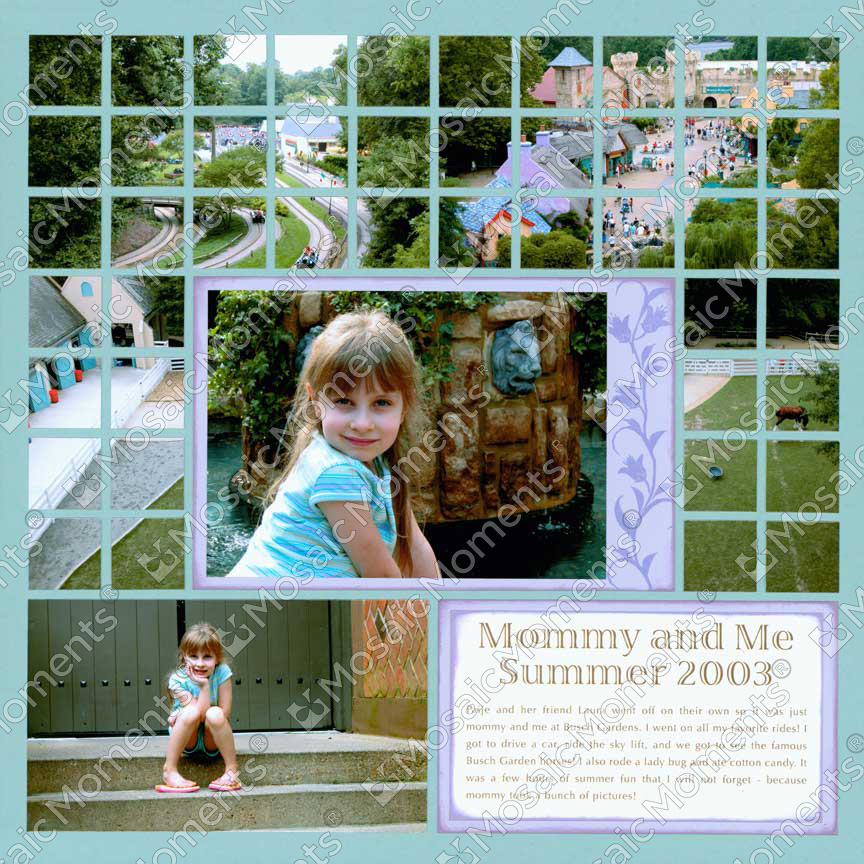
Have Photos Bleed to Edge of Page
How to Use the Cutting Mat
It's important to understand the measurements in order to hand-cut design blocks.
In this video:
- Learn about the Mosaic Moments® Cutting Mat
- Learn how to use the special grid on back of mat
Look for Patterns with Brown Design Spots
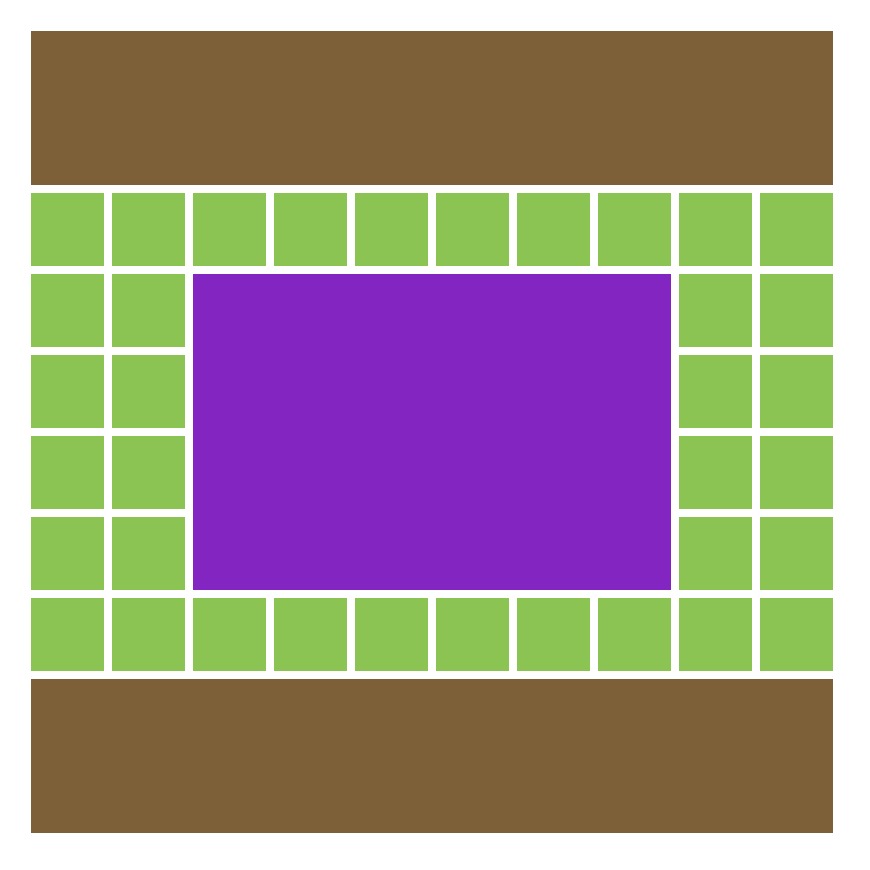
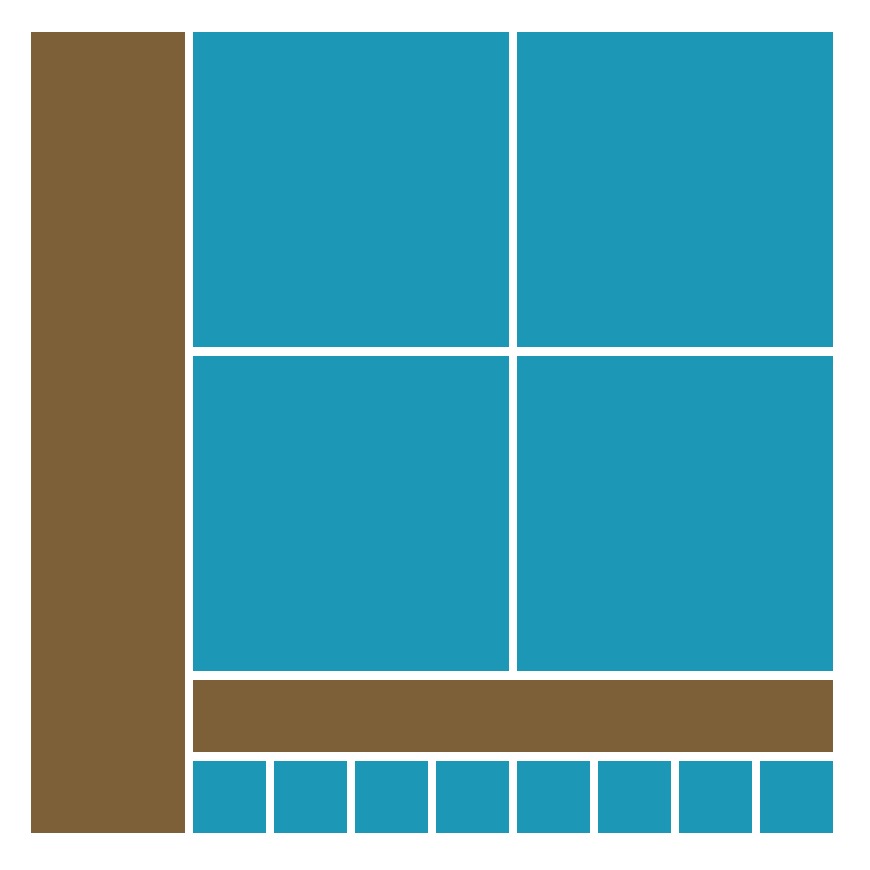
We have layout ideas with the hand-cut option! Go to our pattern gallery and find the patterns with the brown blocks. Click the yellow "view pattern details" to get the measurements. You can also search by clicking the hand cut option.
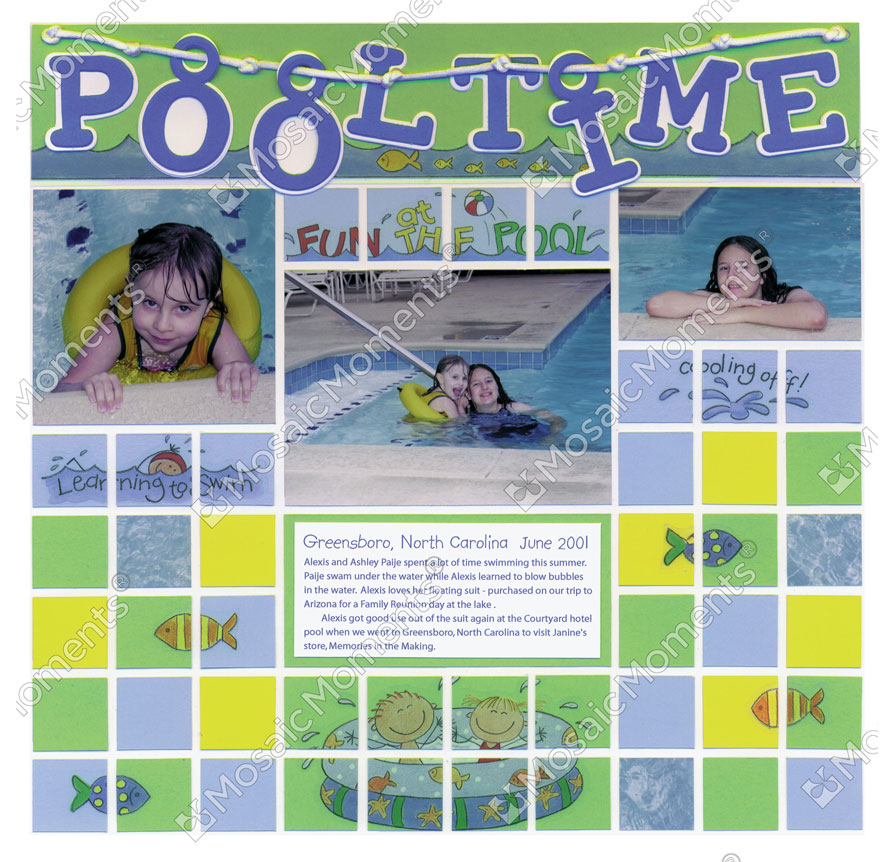
More Ideas with Long Strips
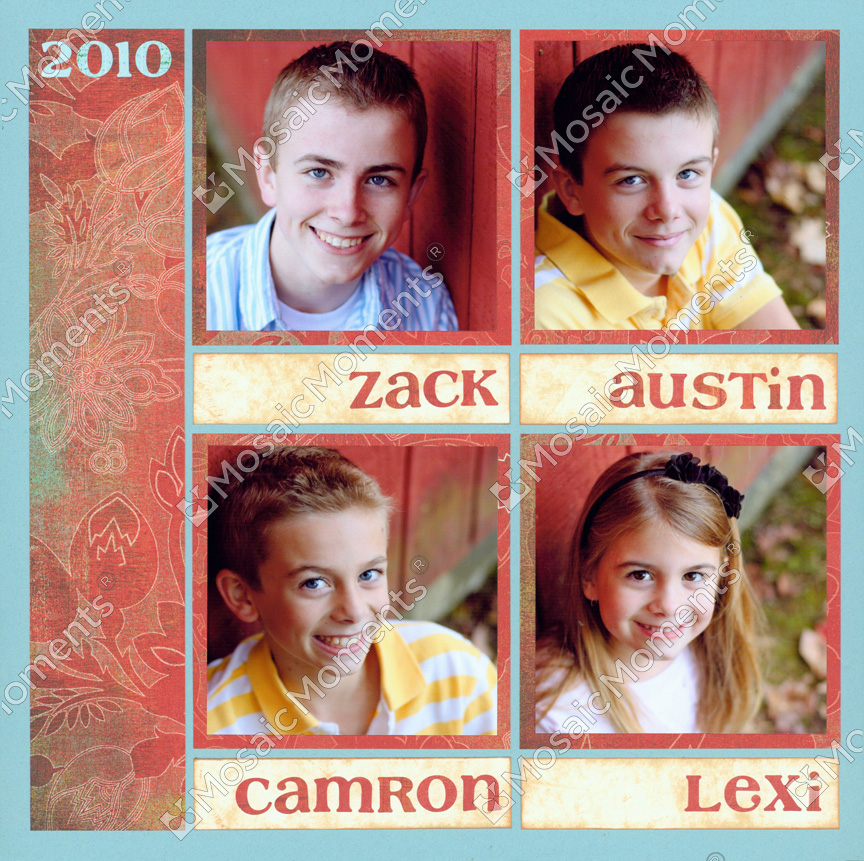
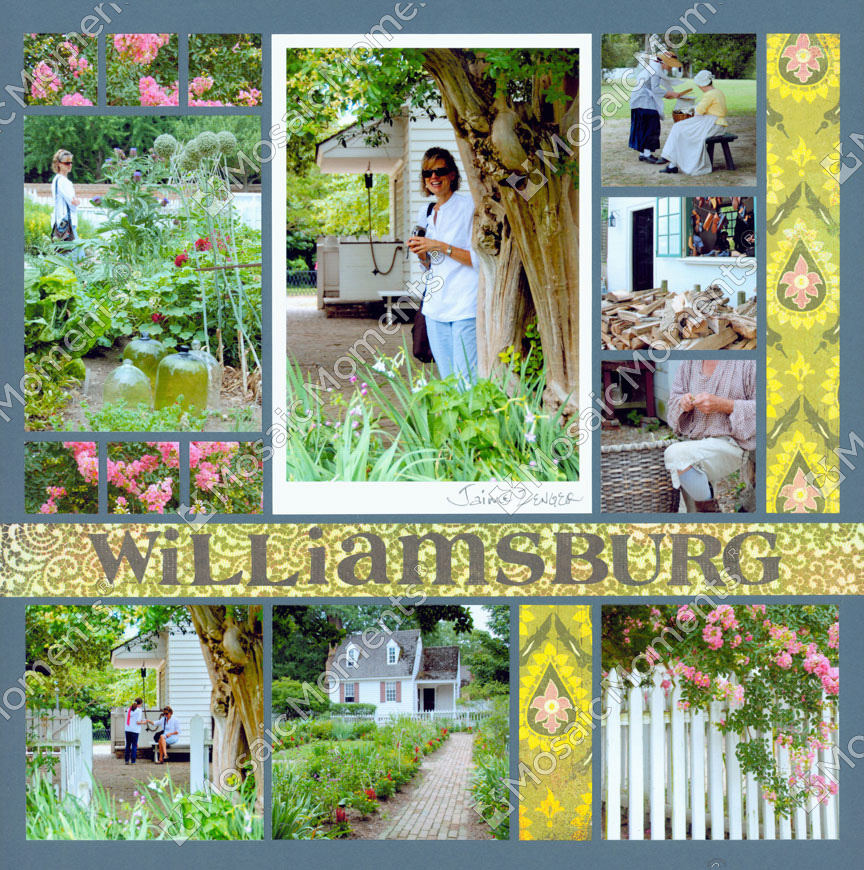
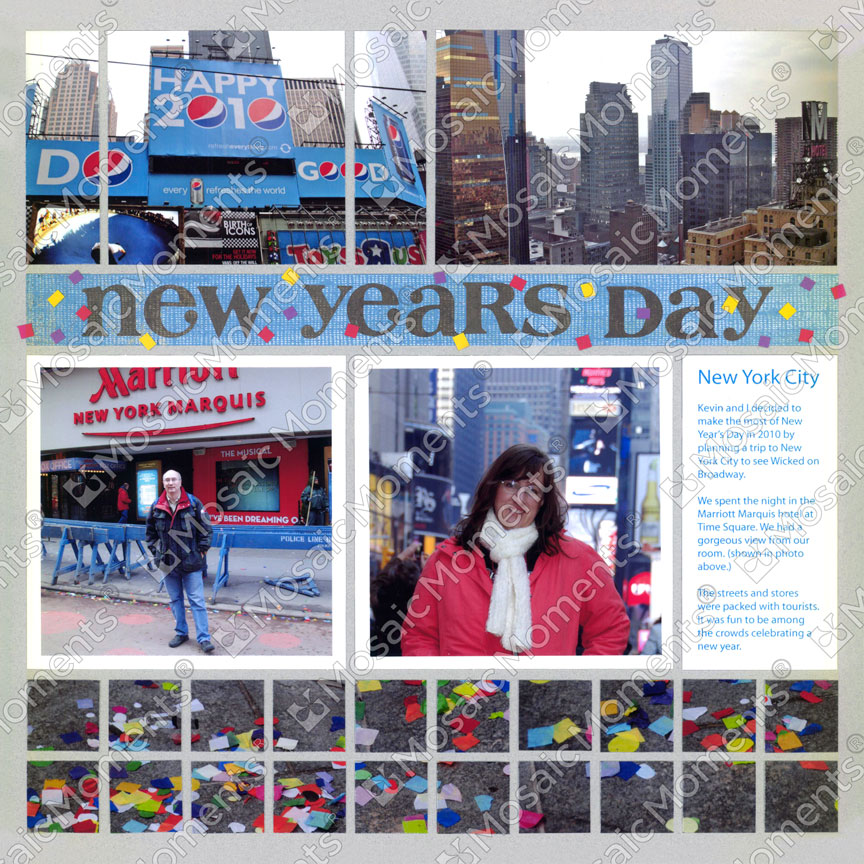
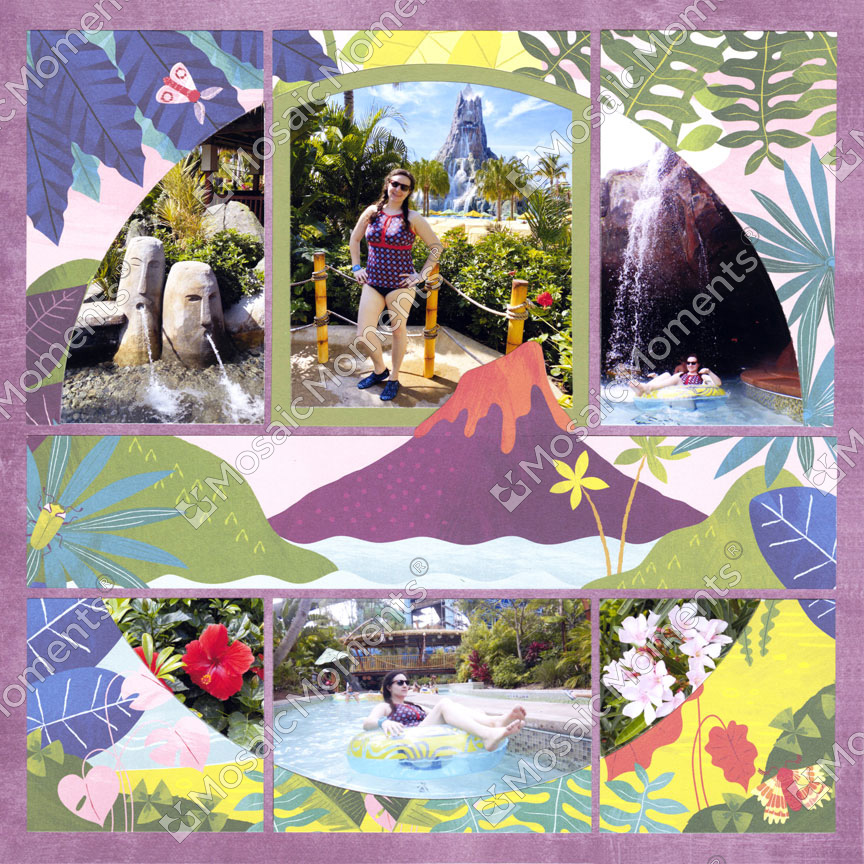
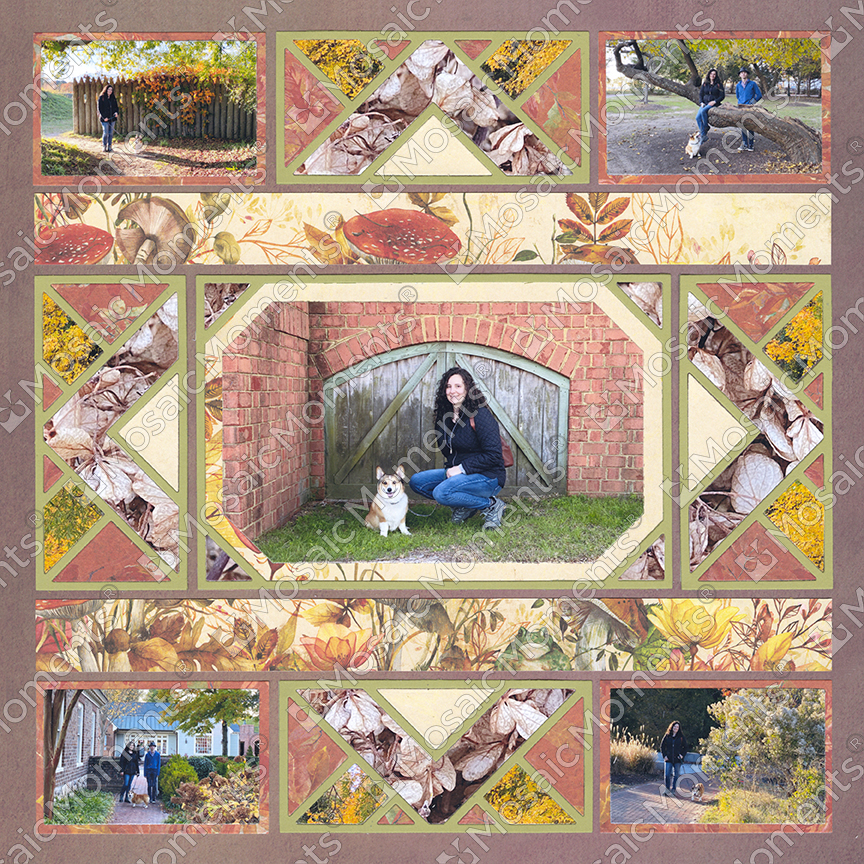
More Ideas with Large Shapes
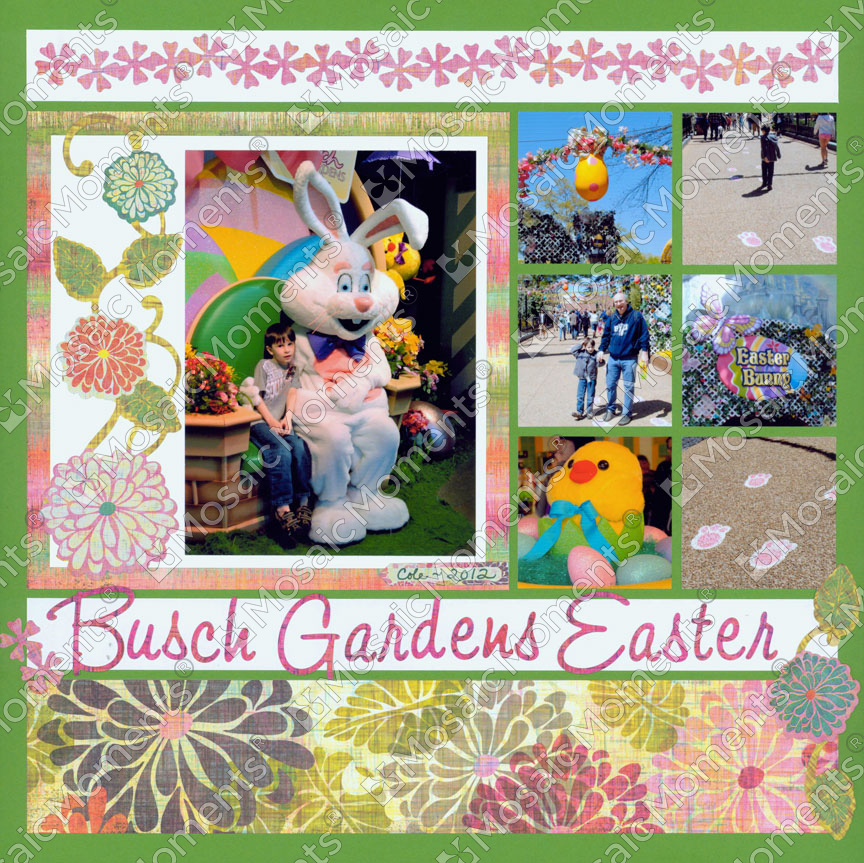
More Ideas with Bleeding